Product walkthroughs
Guides
19 guides · 113 steps
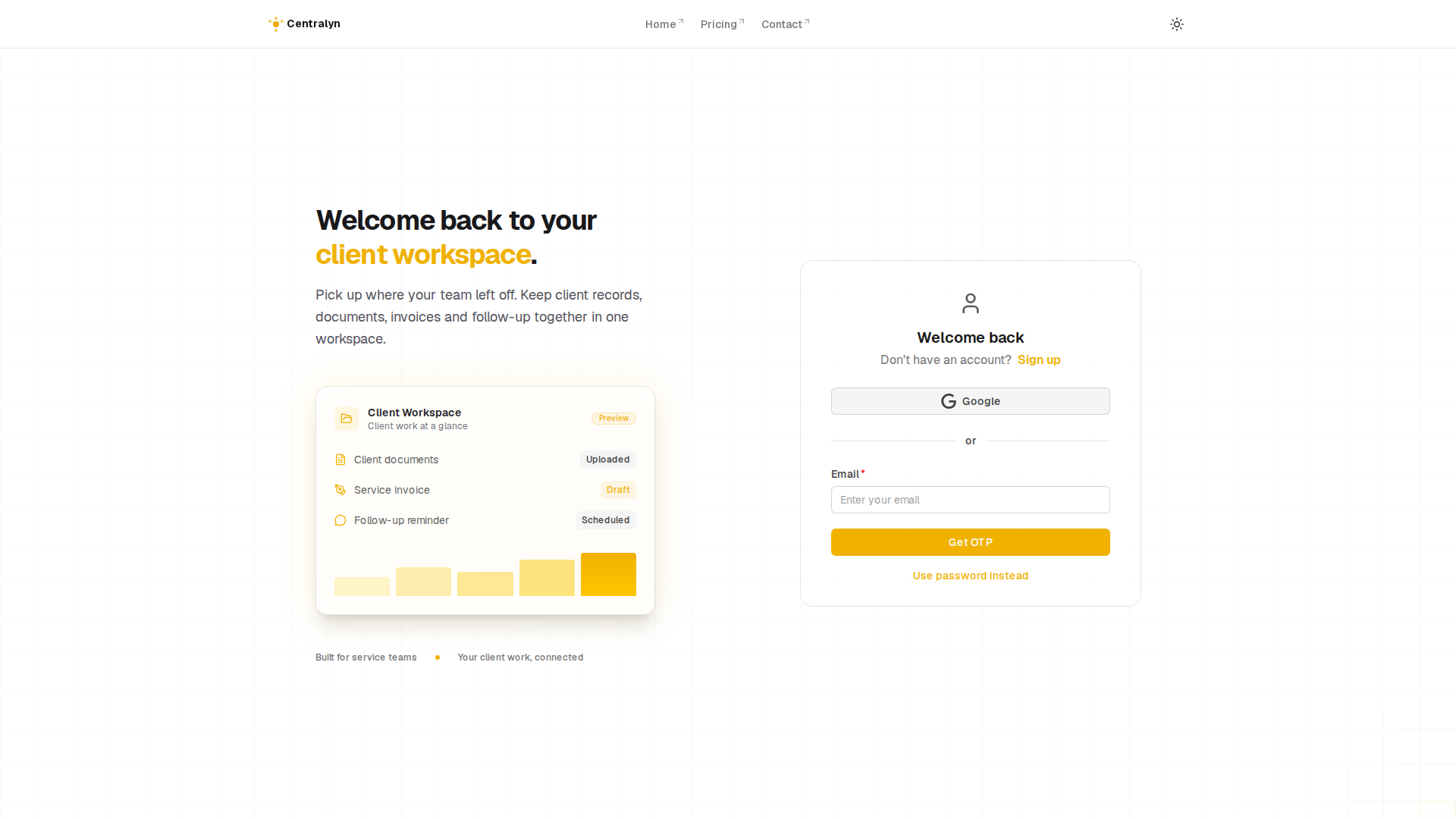
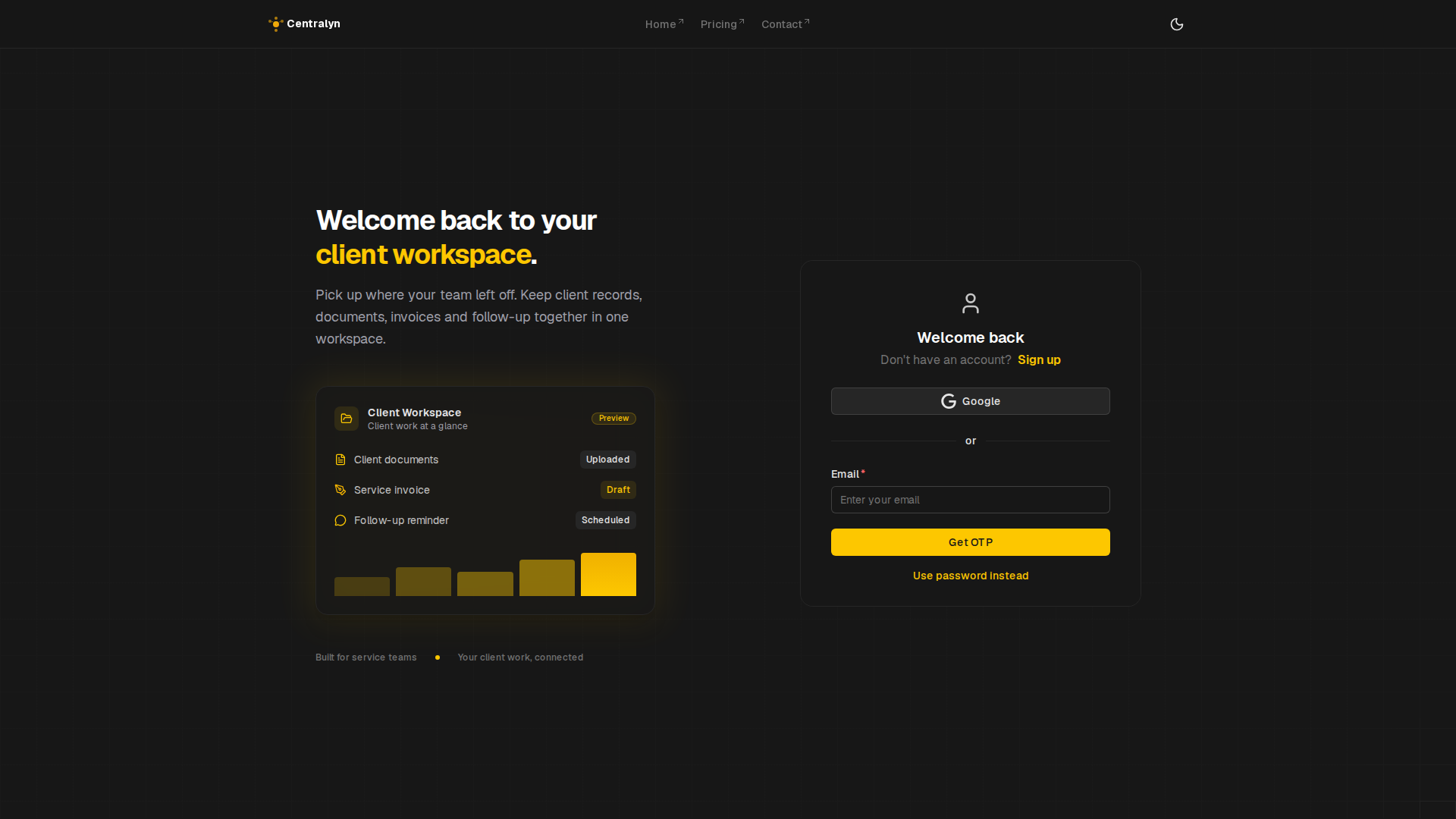
Account access
Sign in, sign up and password recovery screens.
View guide
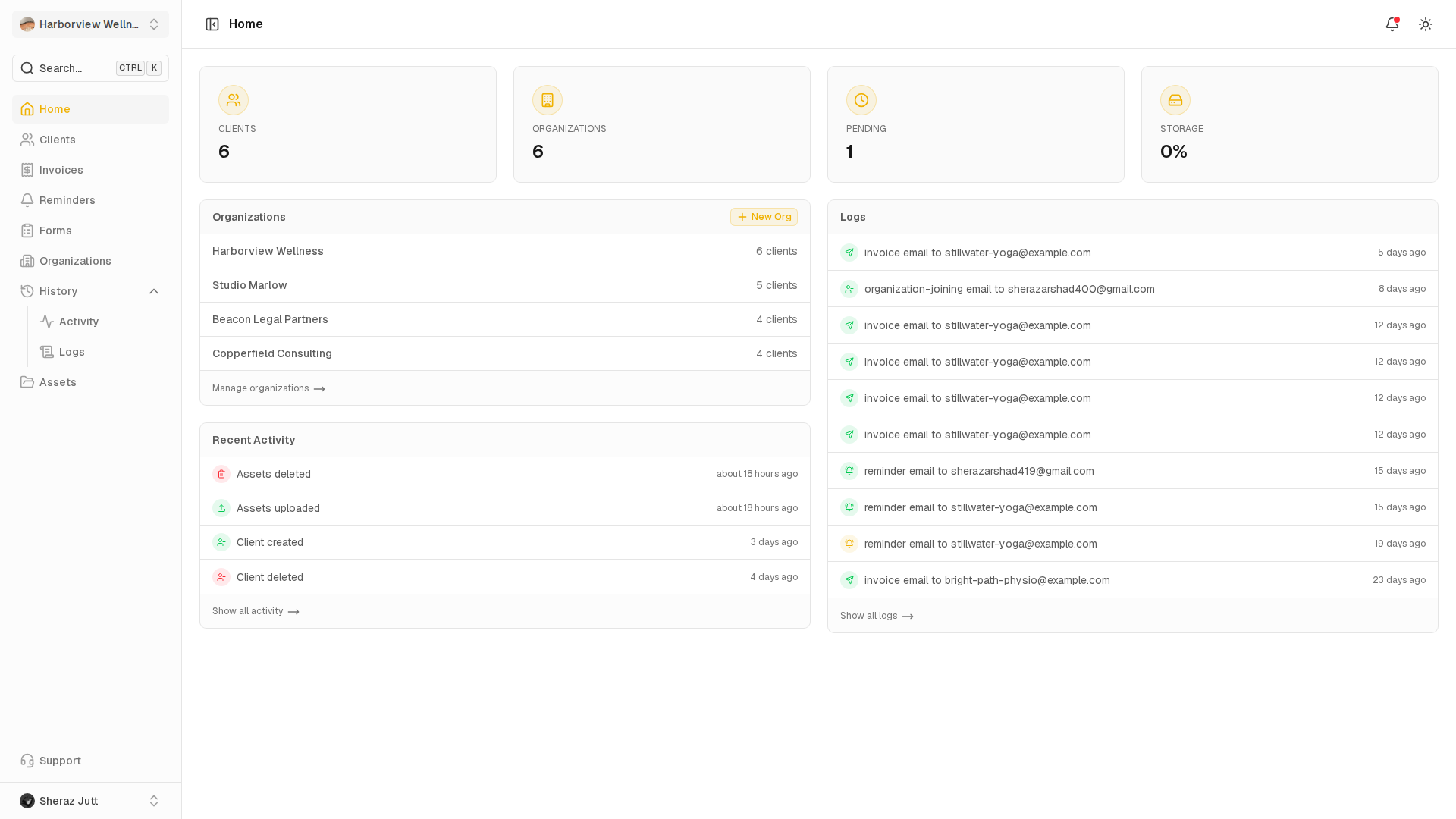
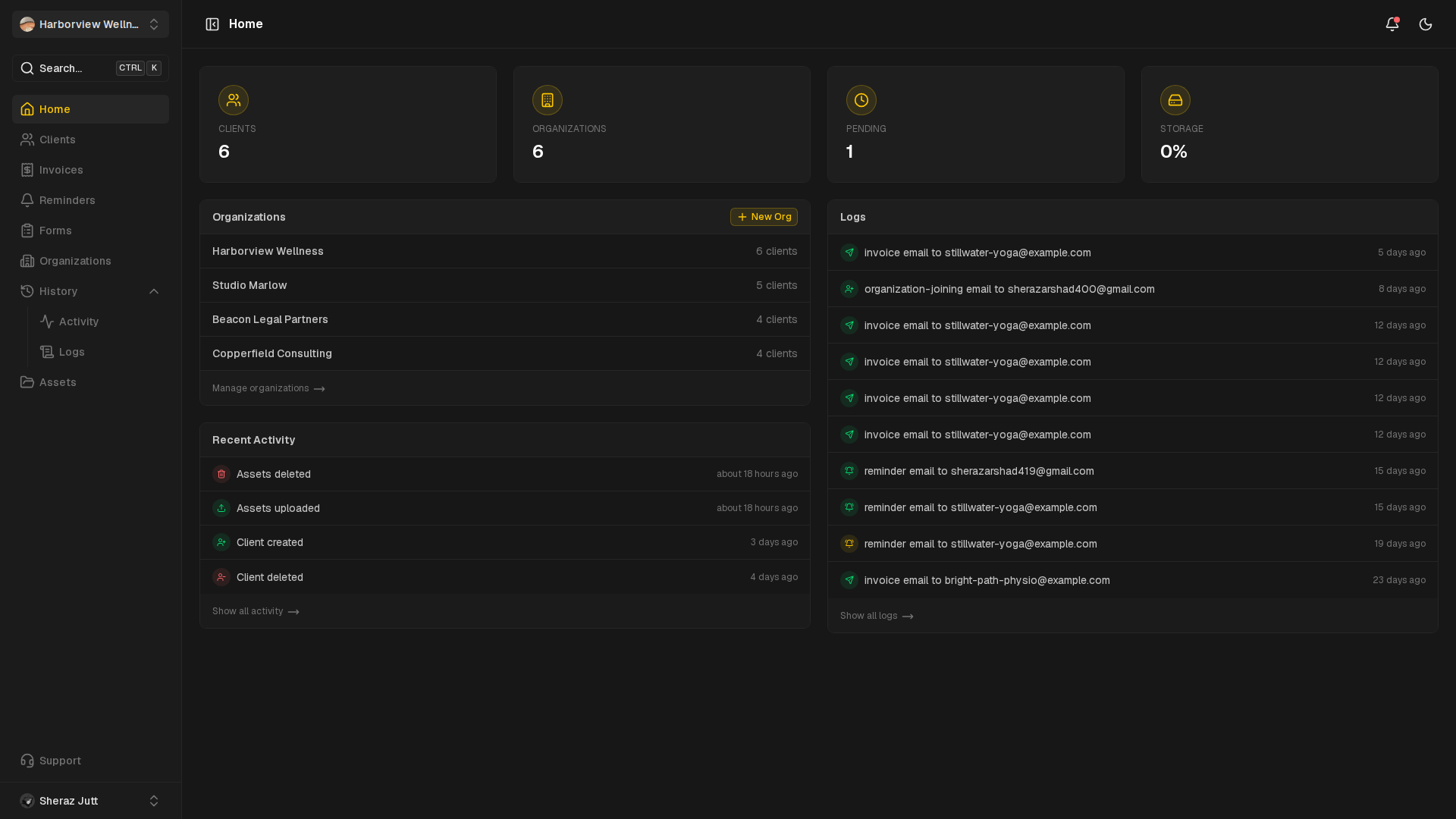
Home
The dashboard home screen, account menu and command search.
View guide
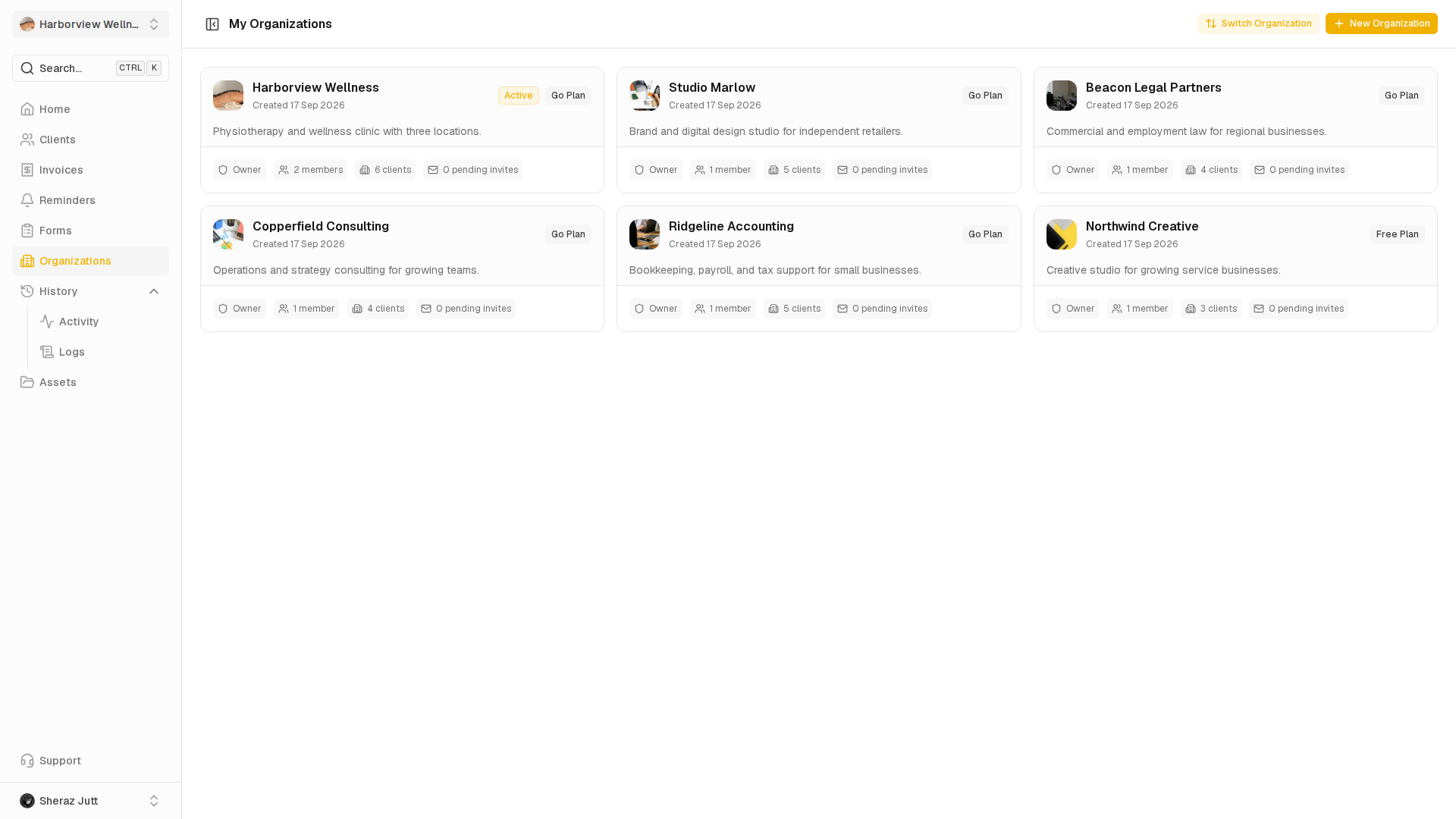
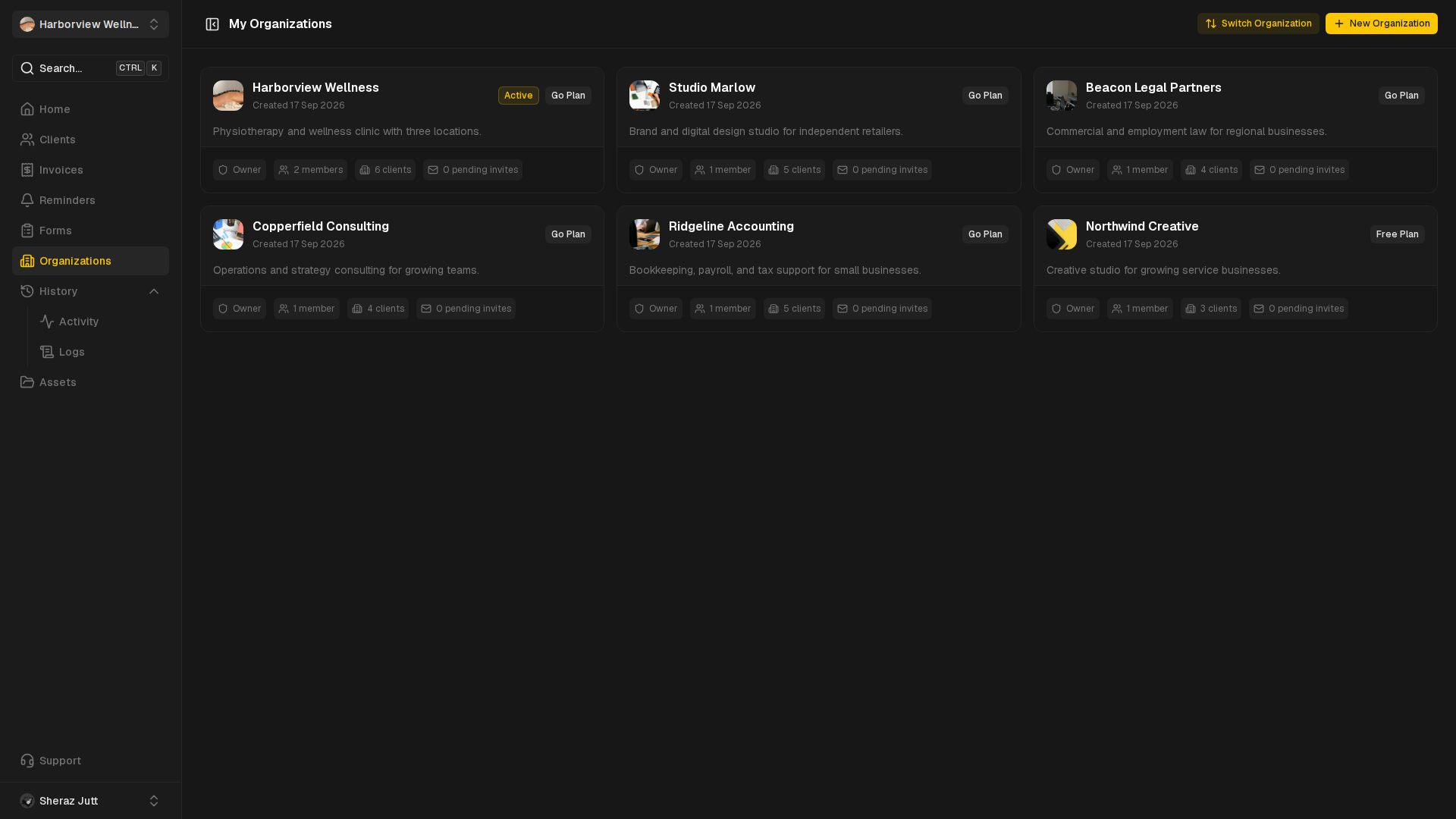
Organizations
Create organizations and open their profiles and switcher.
View guide
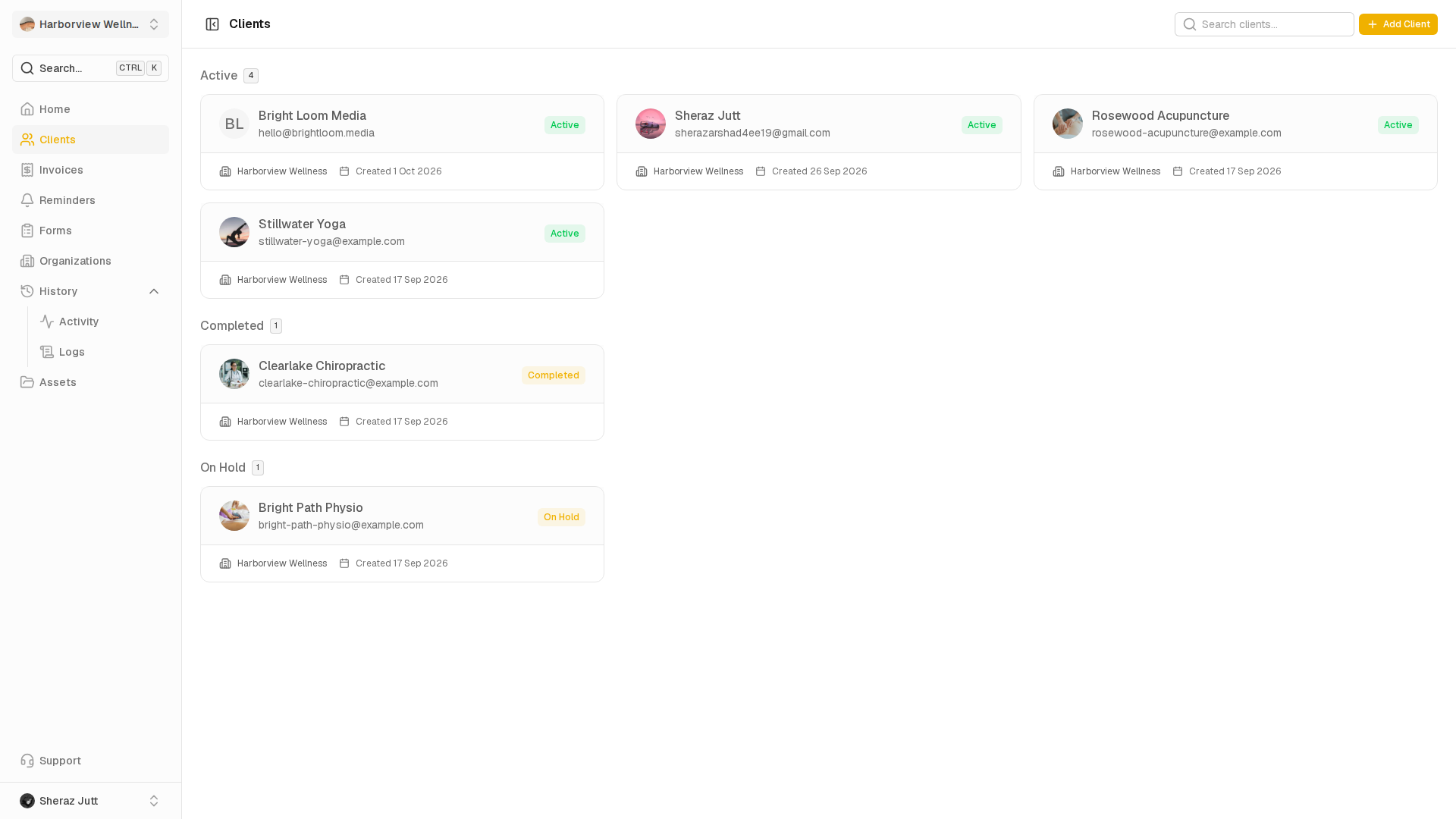
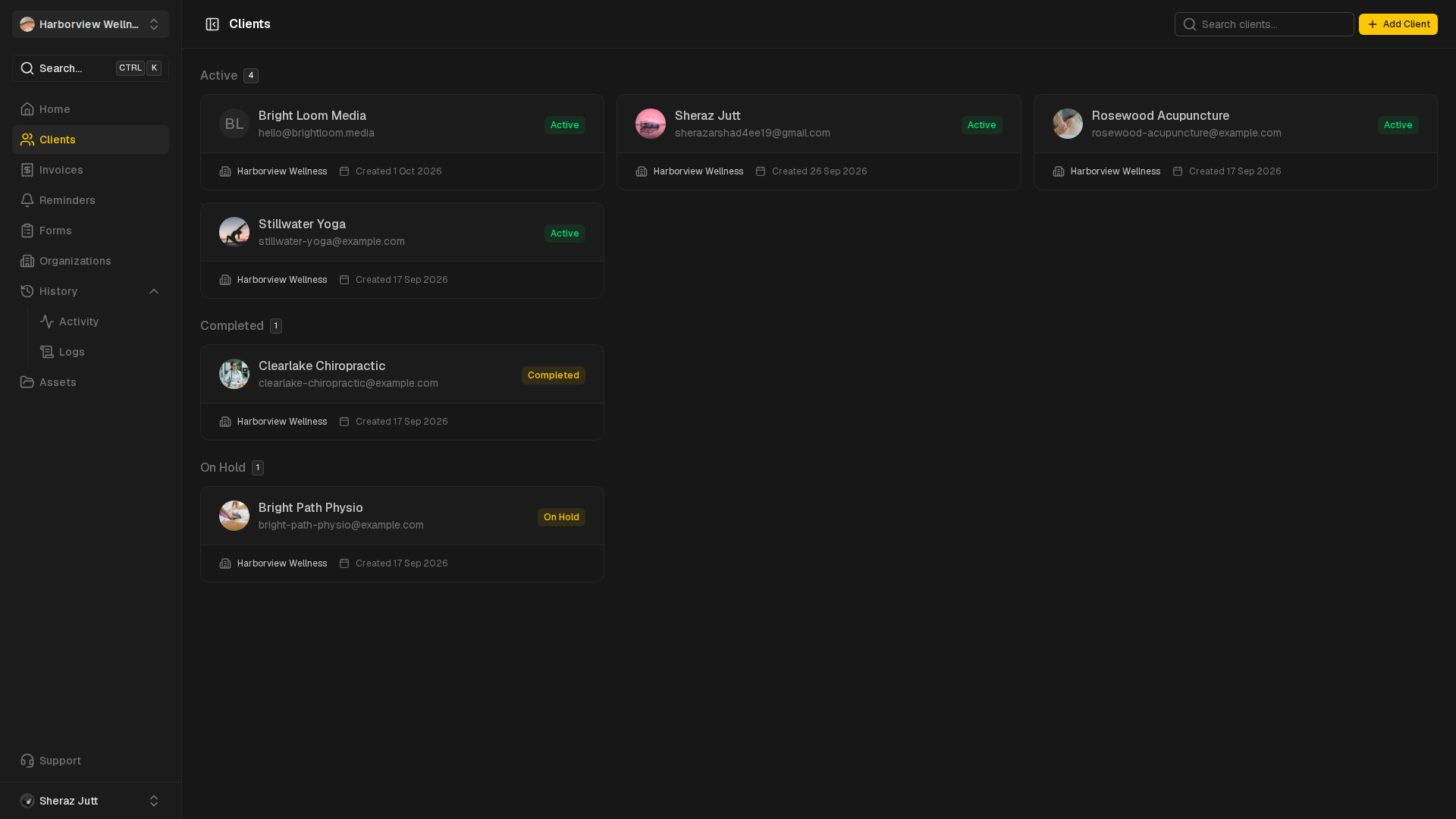
Clients
Add clients, review profiles and move through client records.
View guide
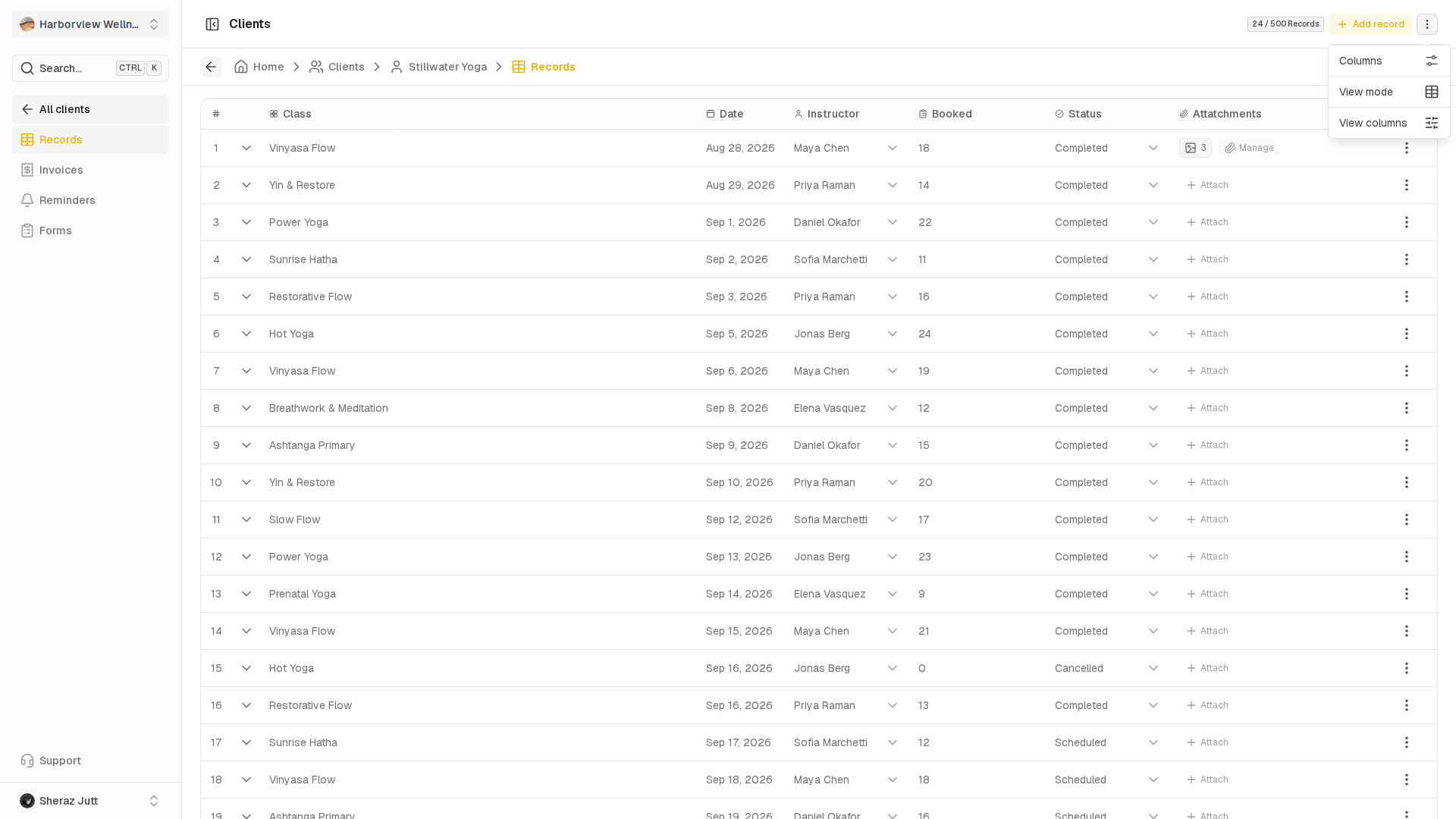
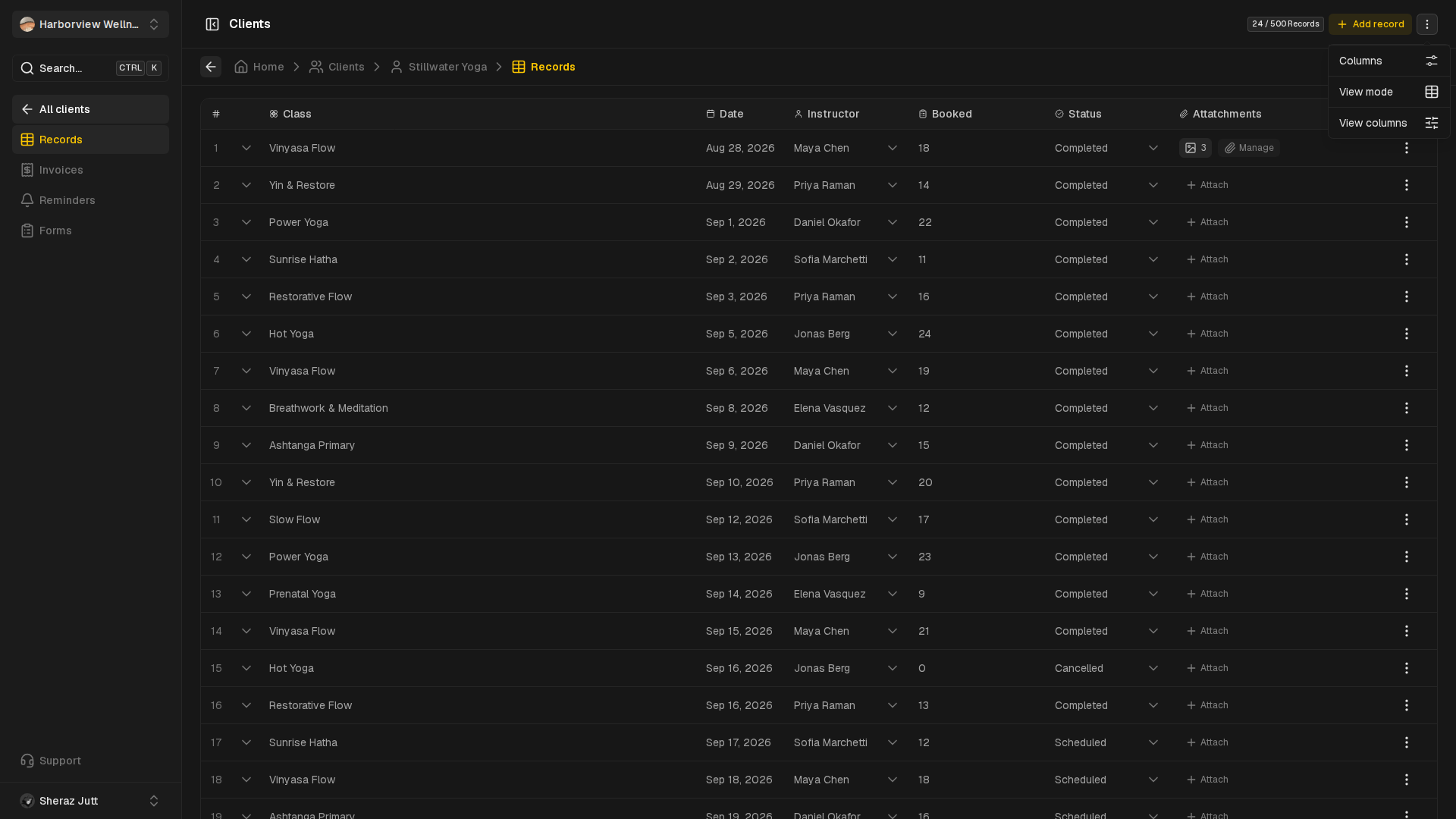
Records
Switch record views, manage columns and expand record notes.
View guide
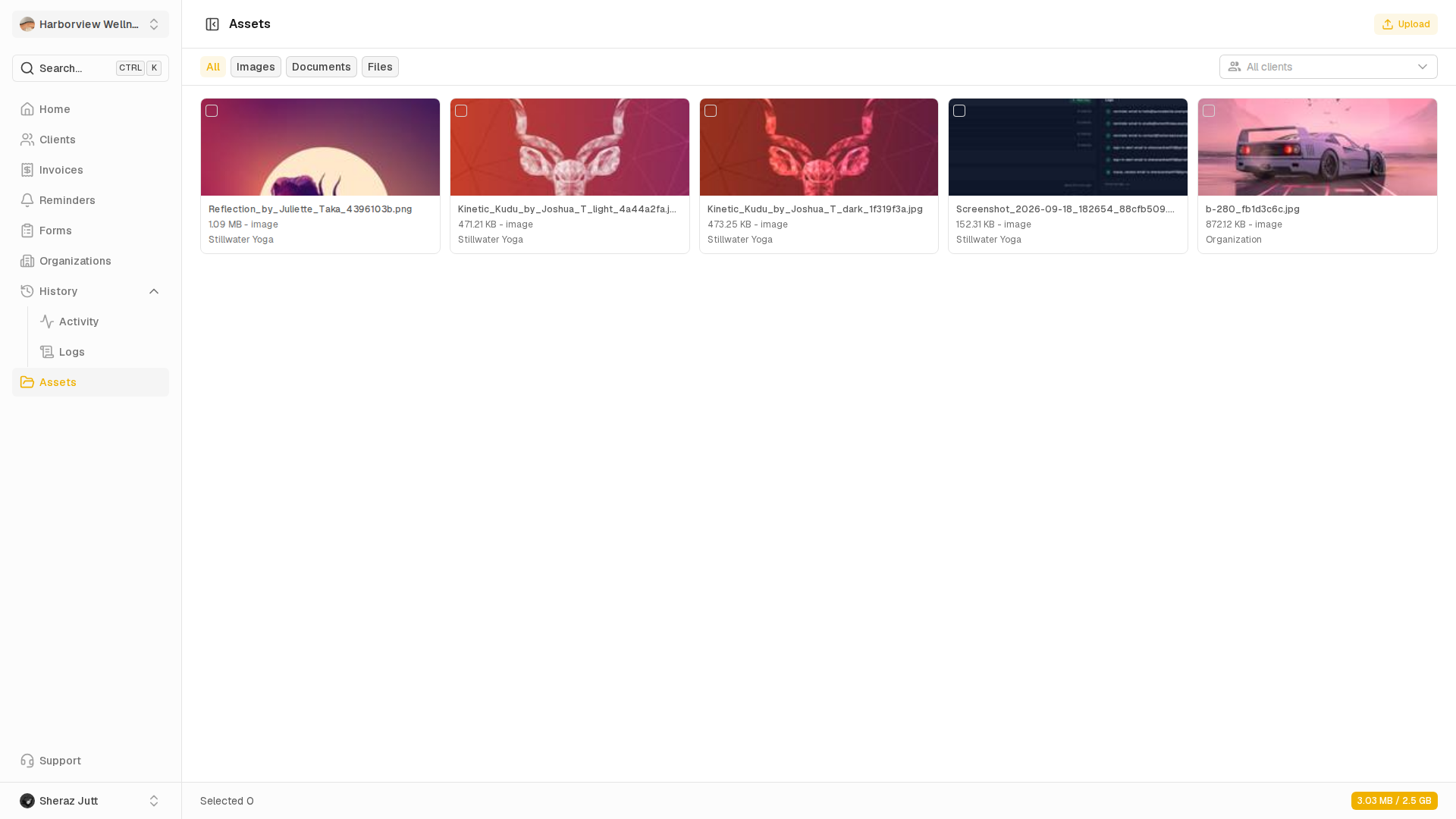
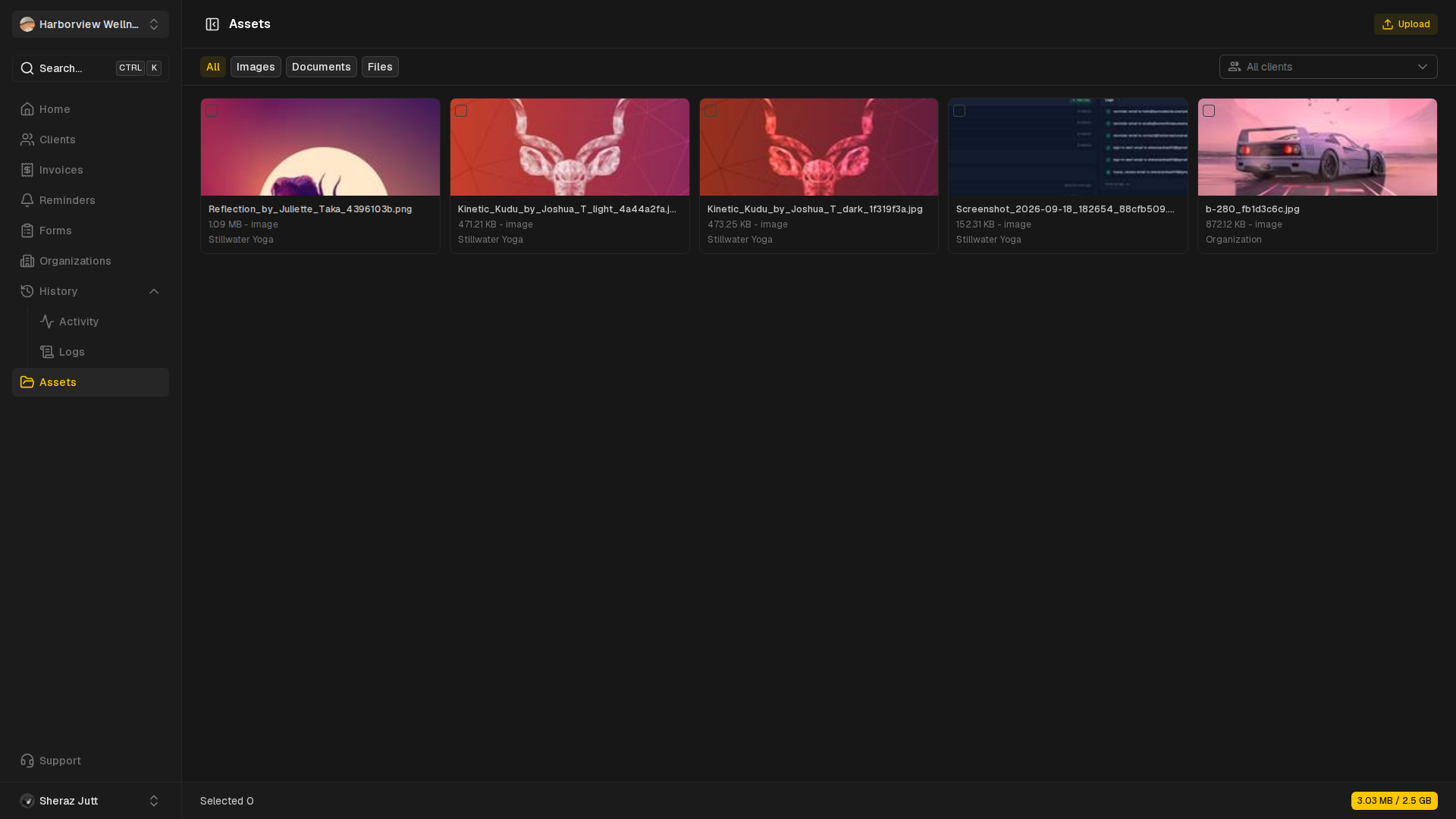
Assets
Upload files and browse each client's saved library.
View guide
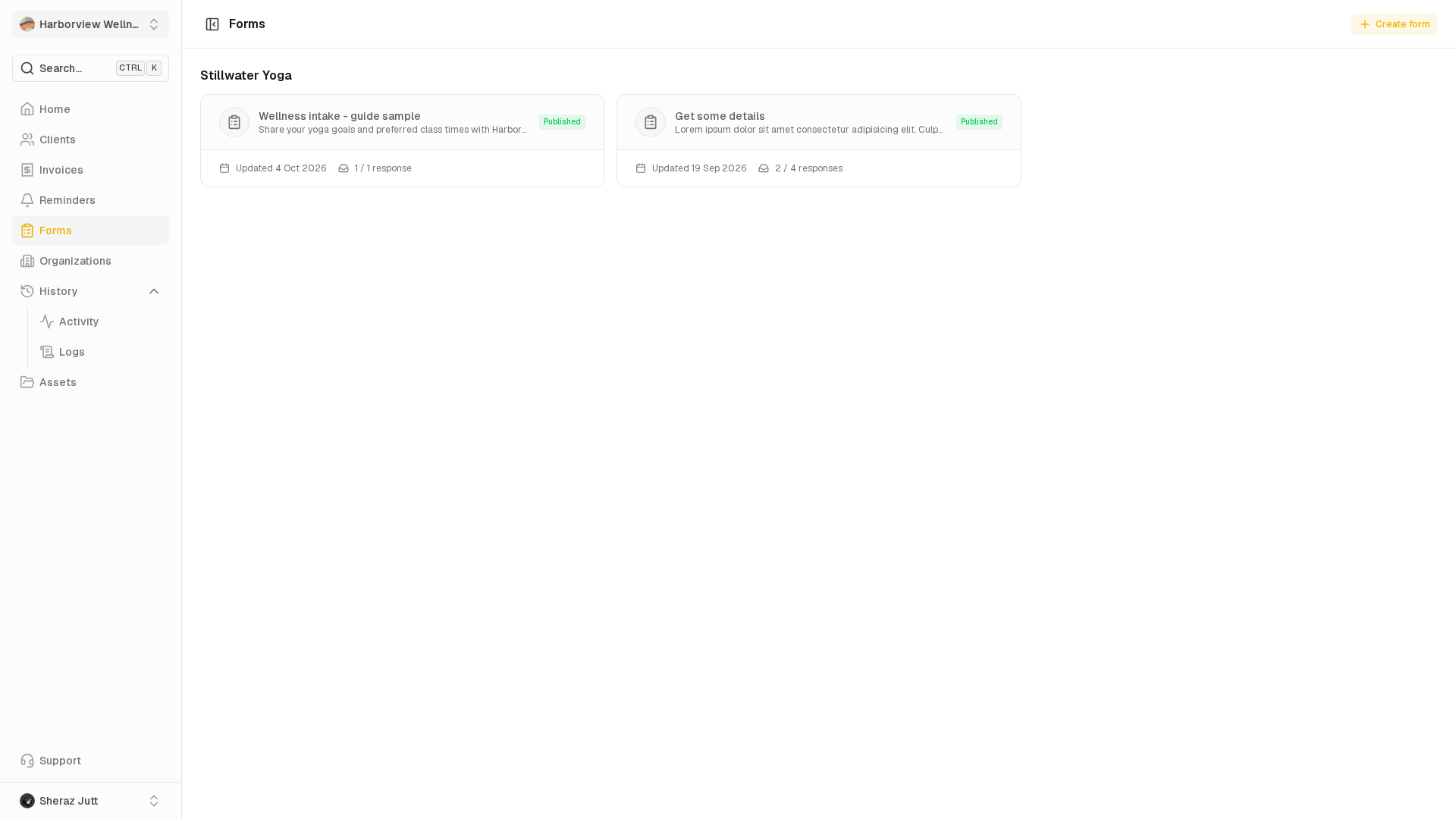
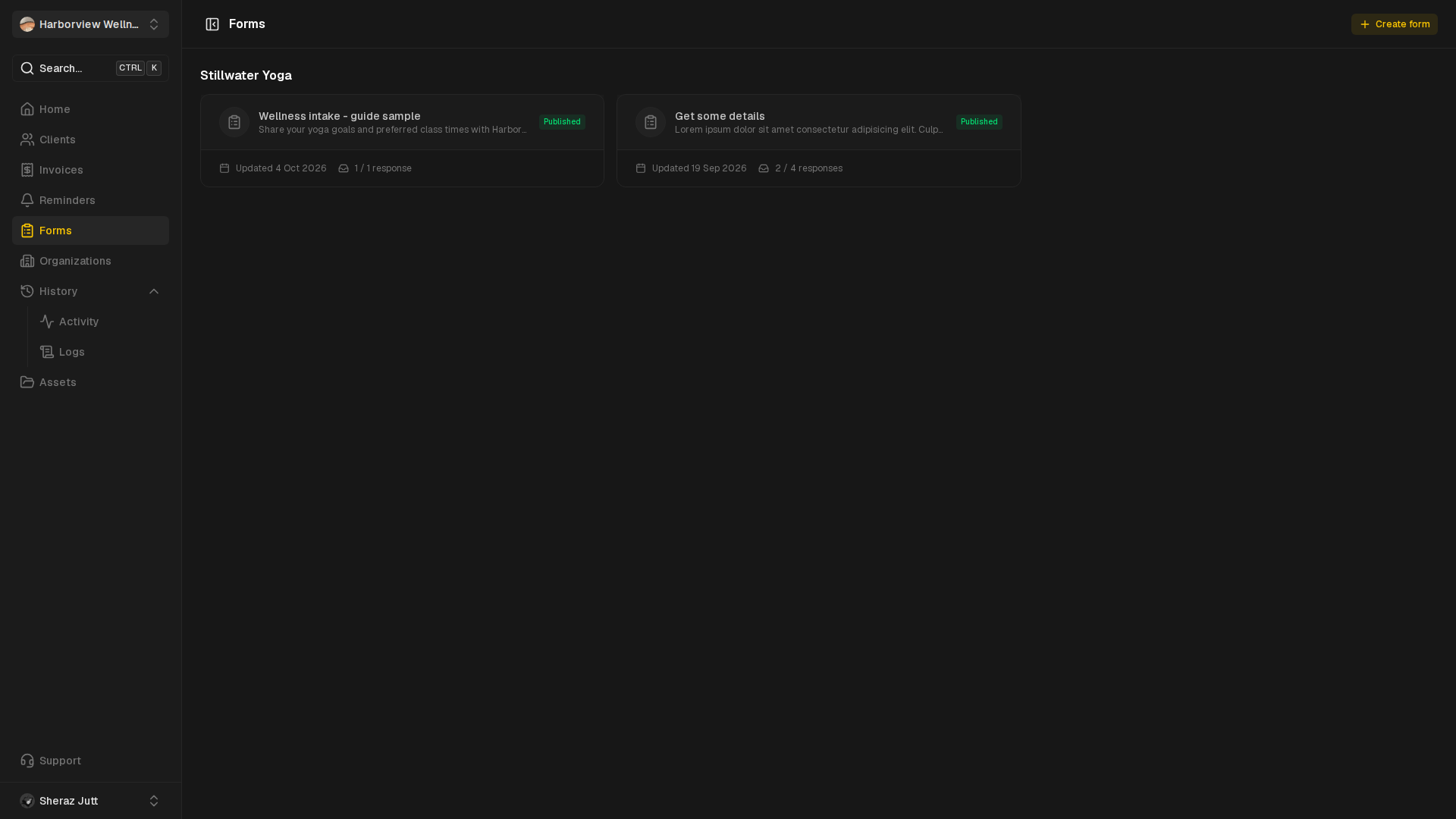
Forms
Build, publish and collect responses on public forms.
View guide
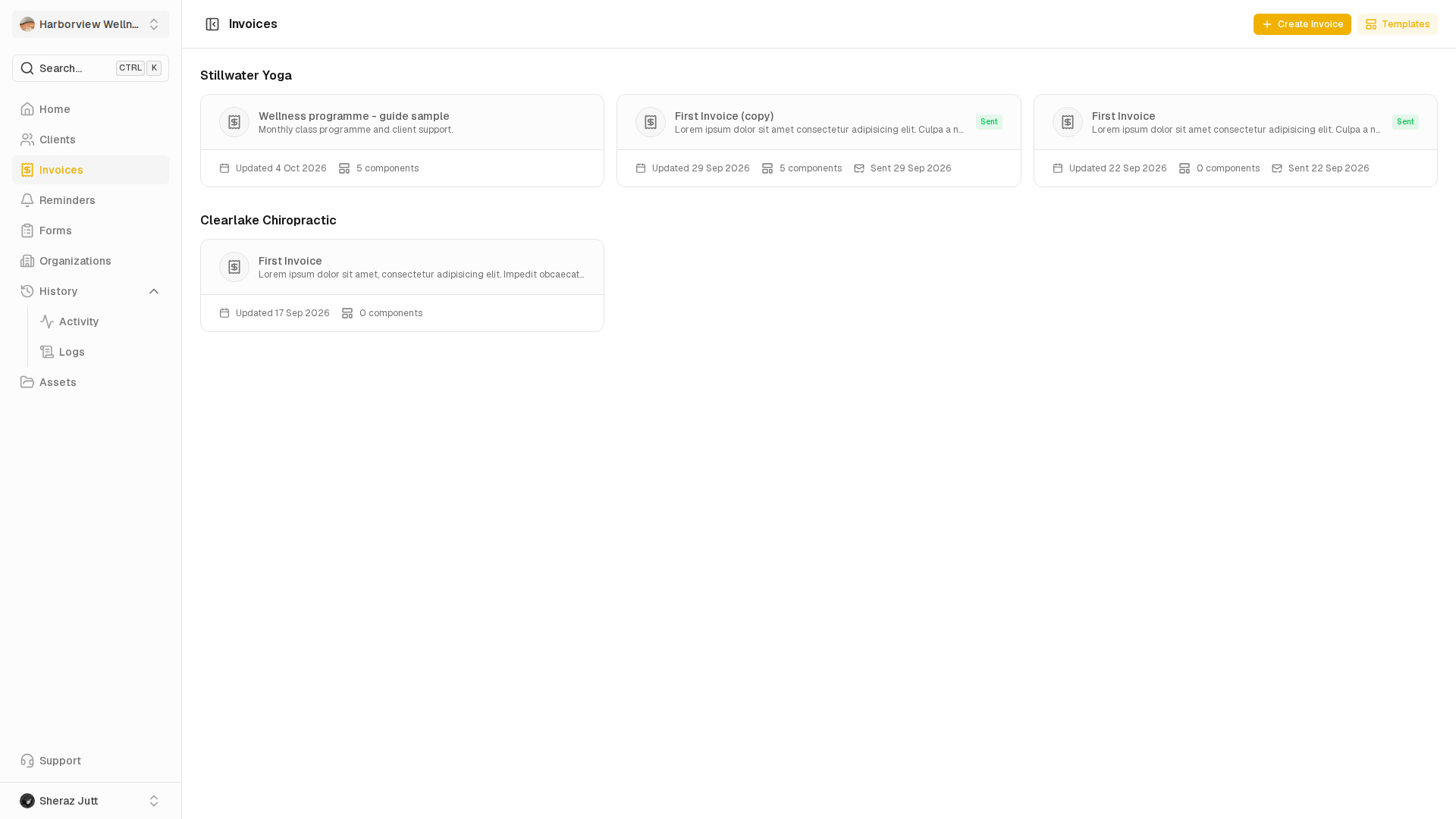
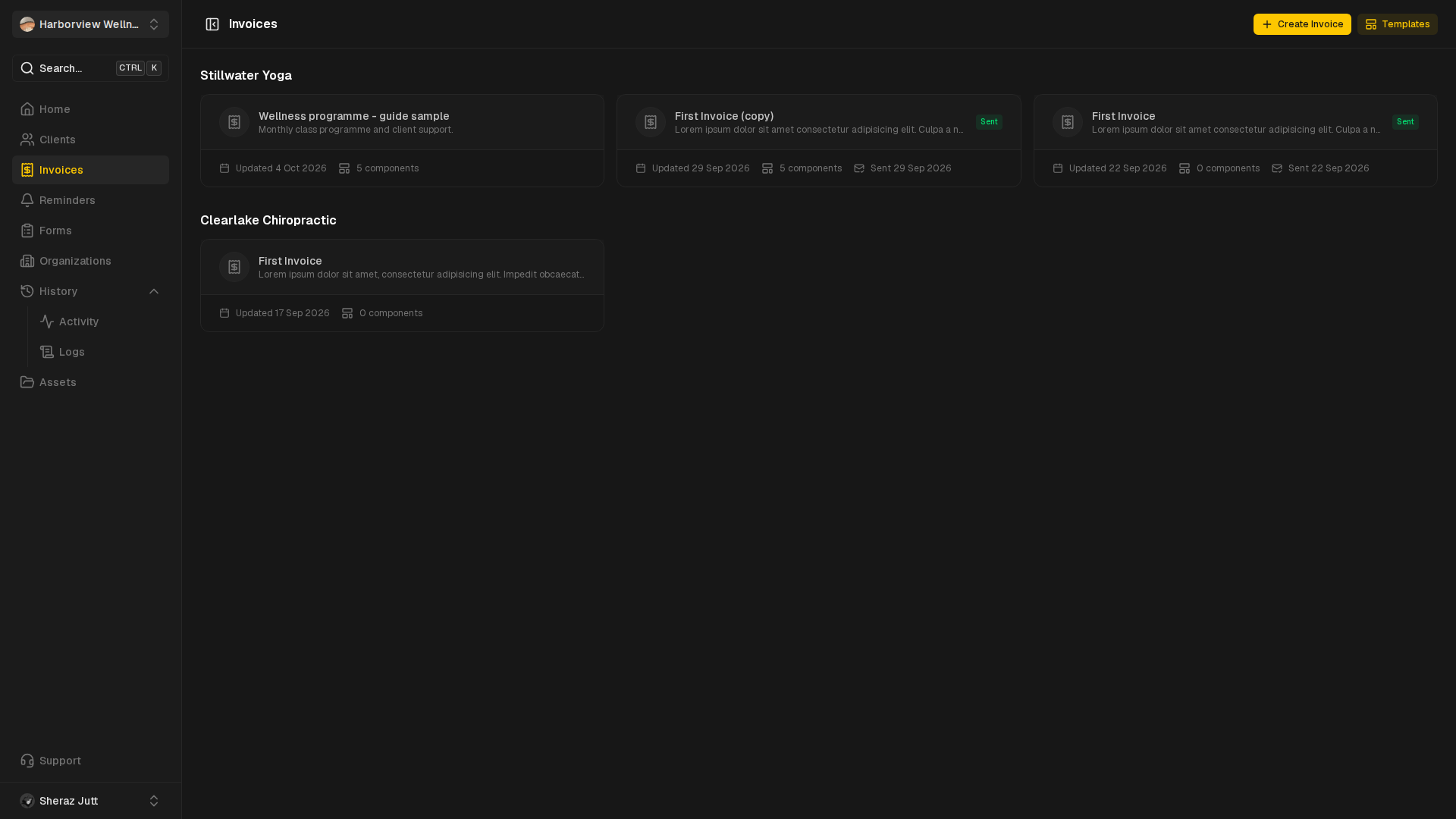
Invoices
Draft, configure, send and review client invoices.
View guide
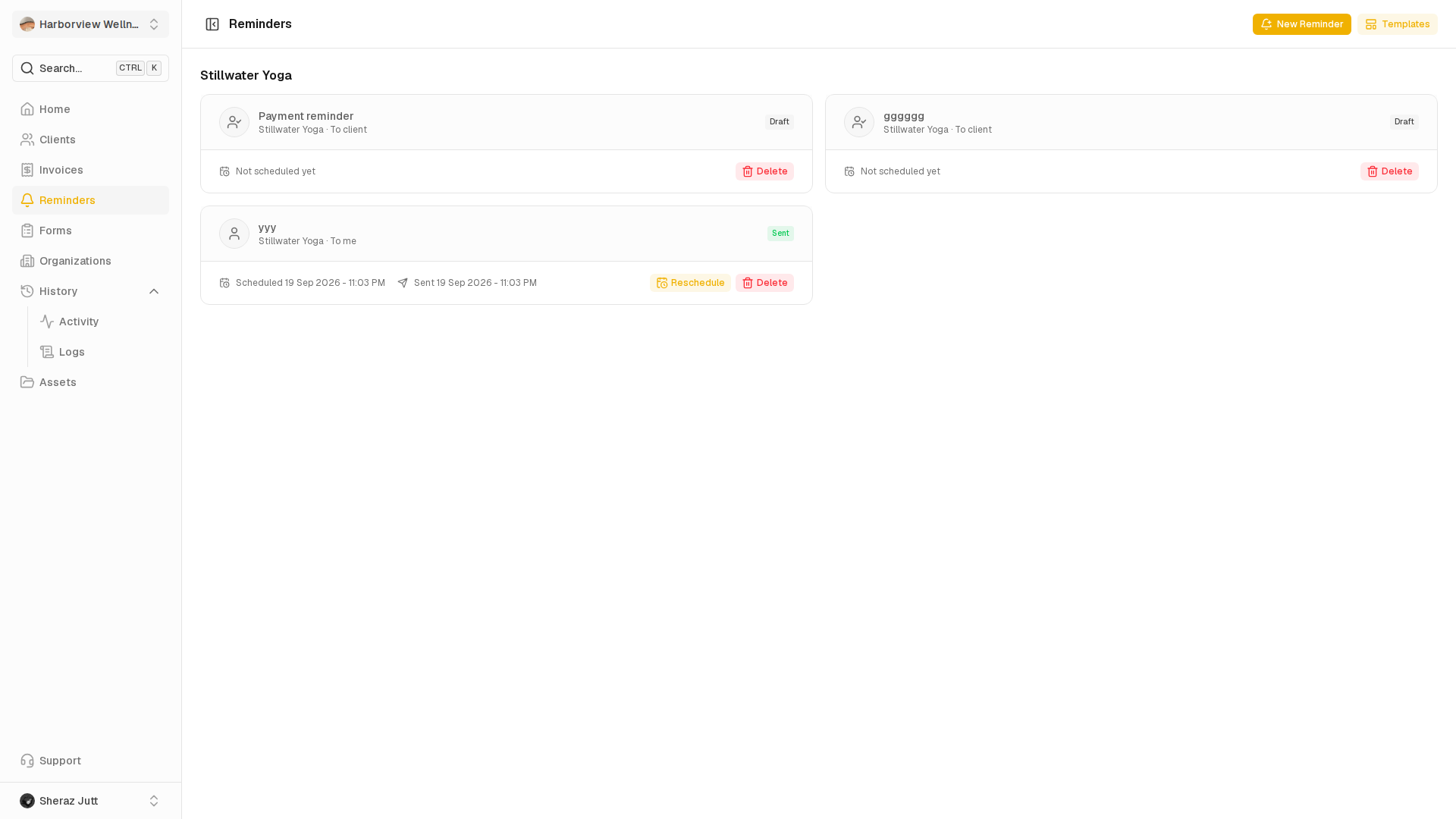
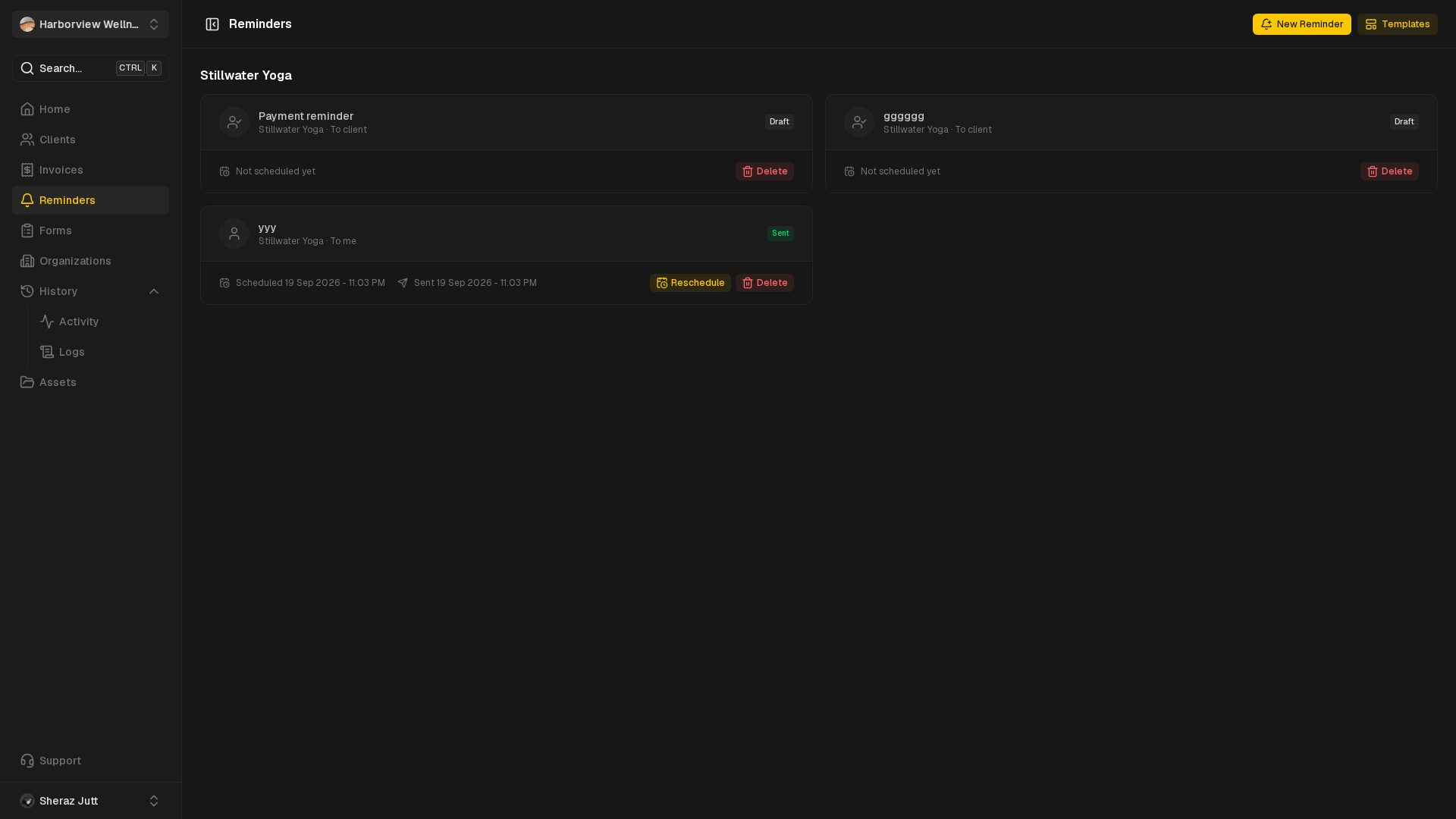
Reminders
Schedule reminders and compose their message blocks.
View guide
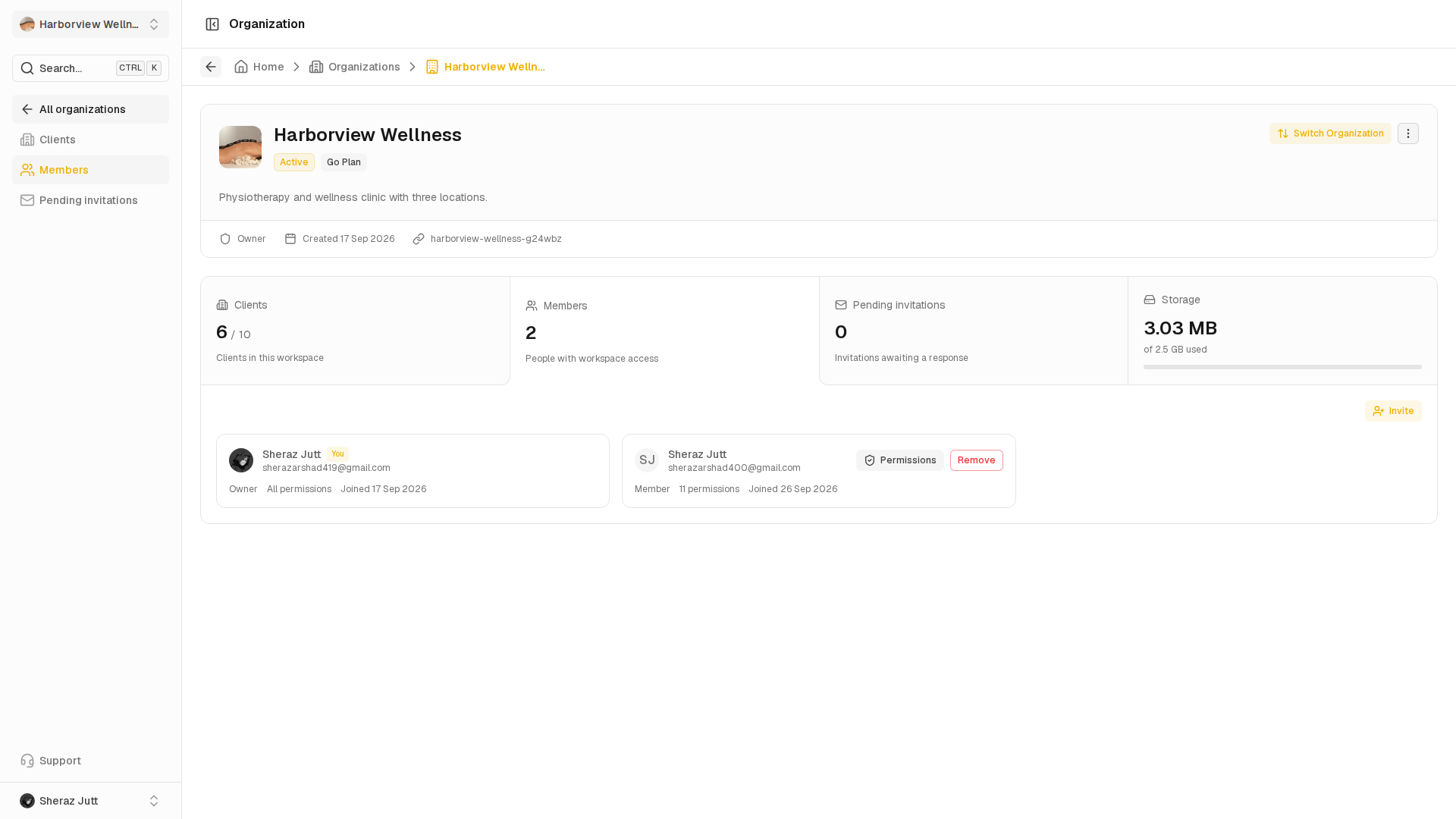
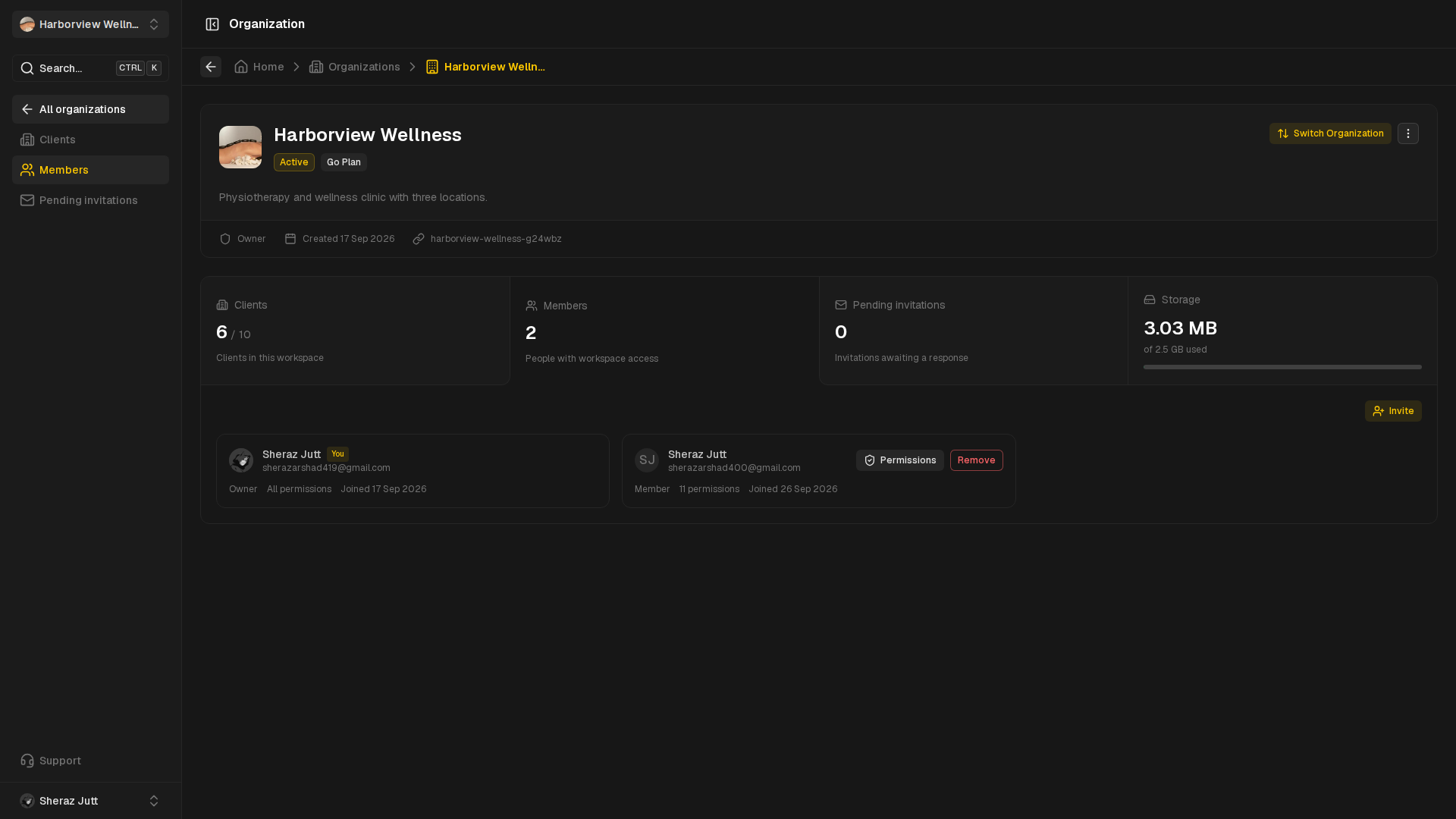
Members
Invite teammates and manage their permissions.
View guide
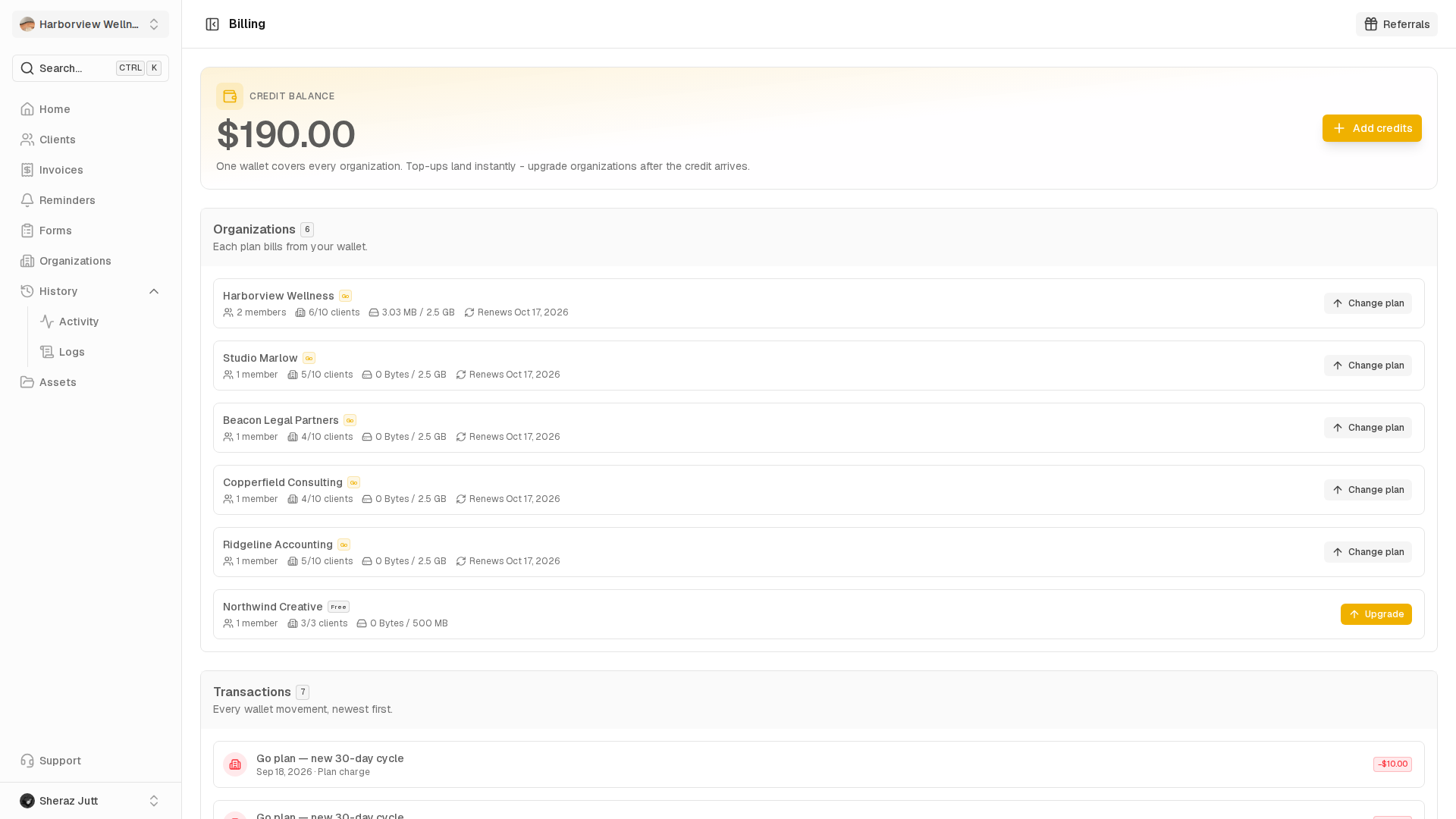
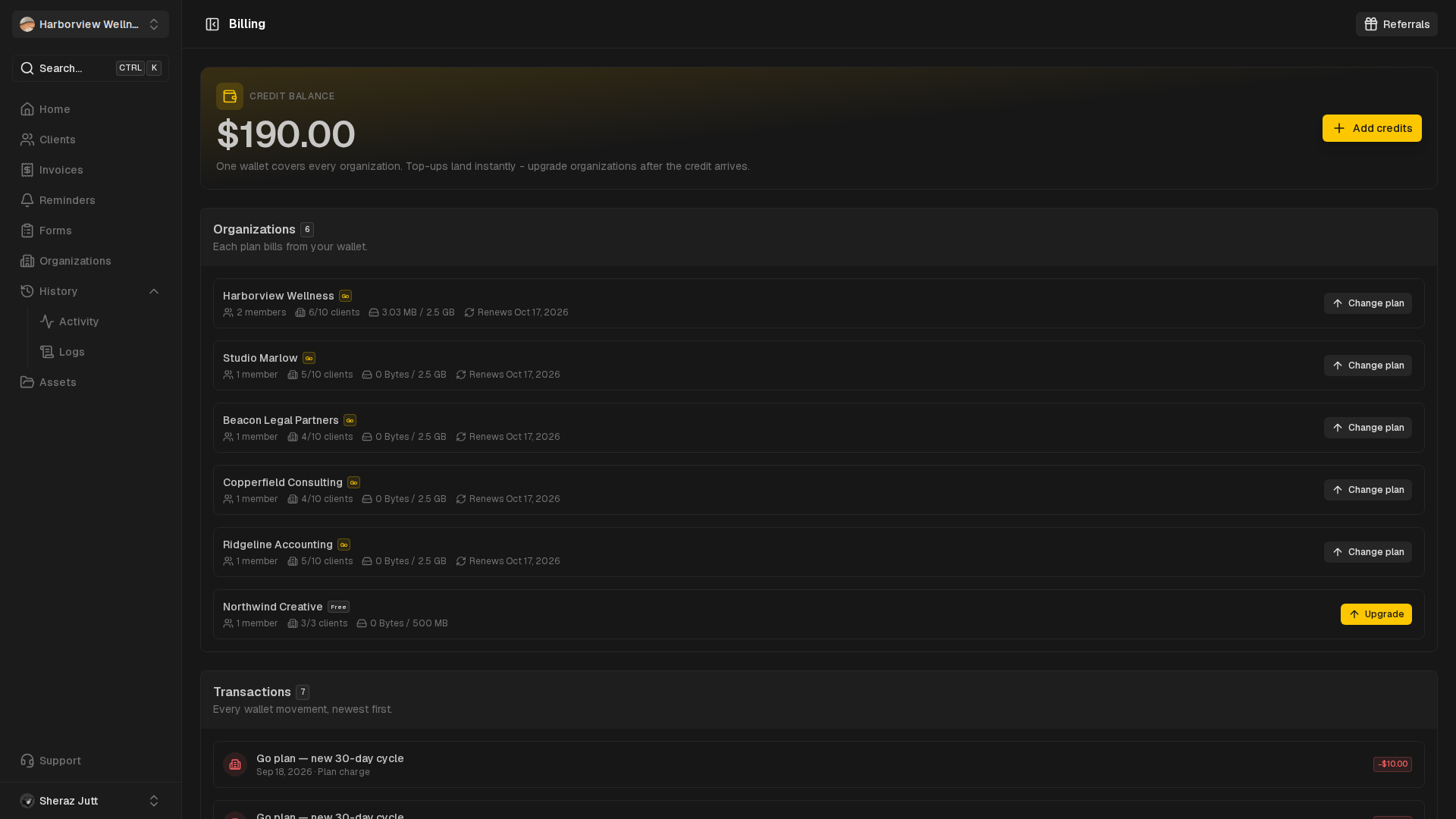
Billing
Top up the wallet and compare plans.
View guide
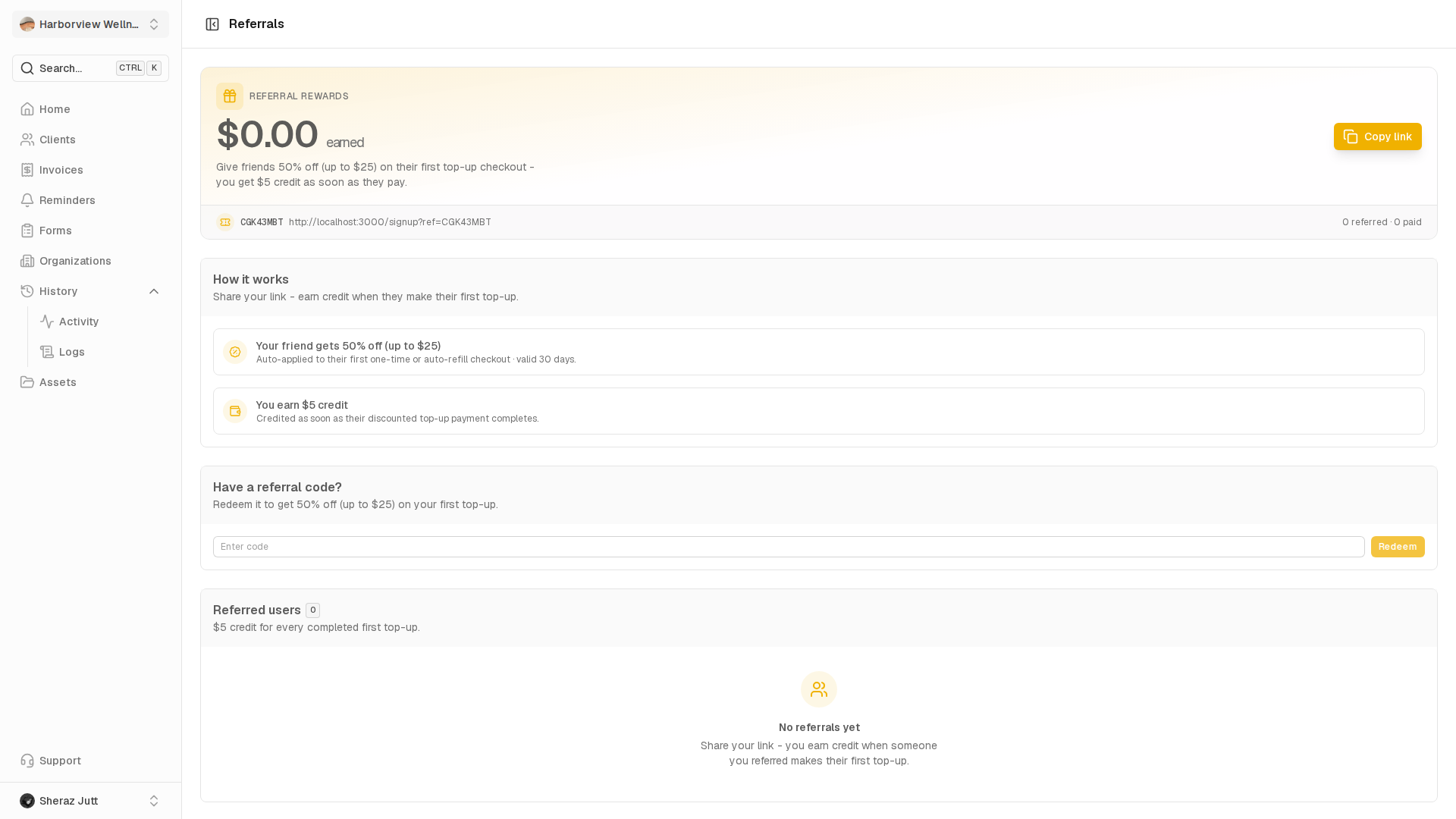
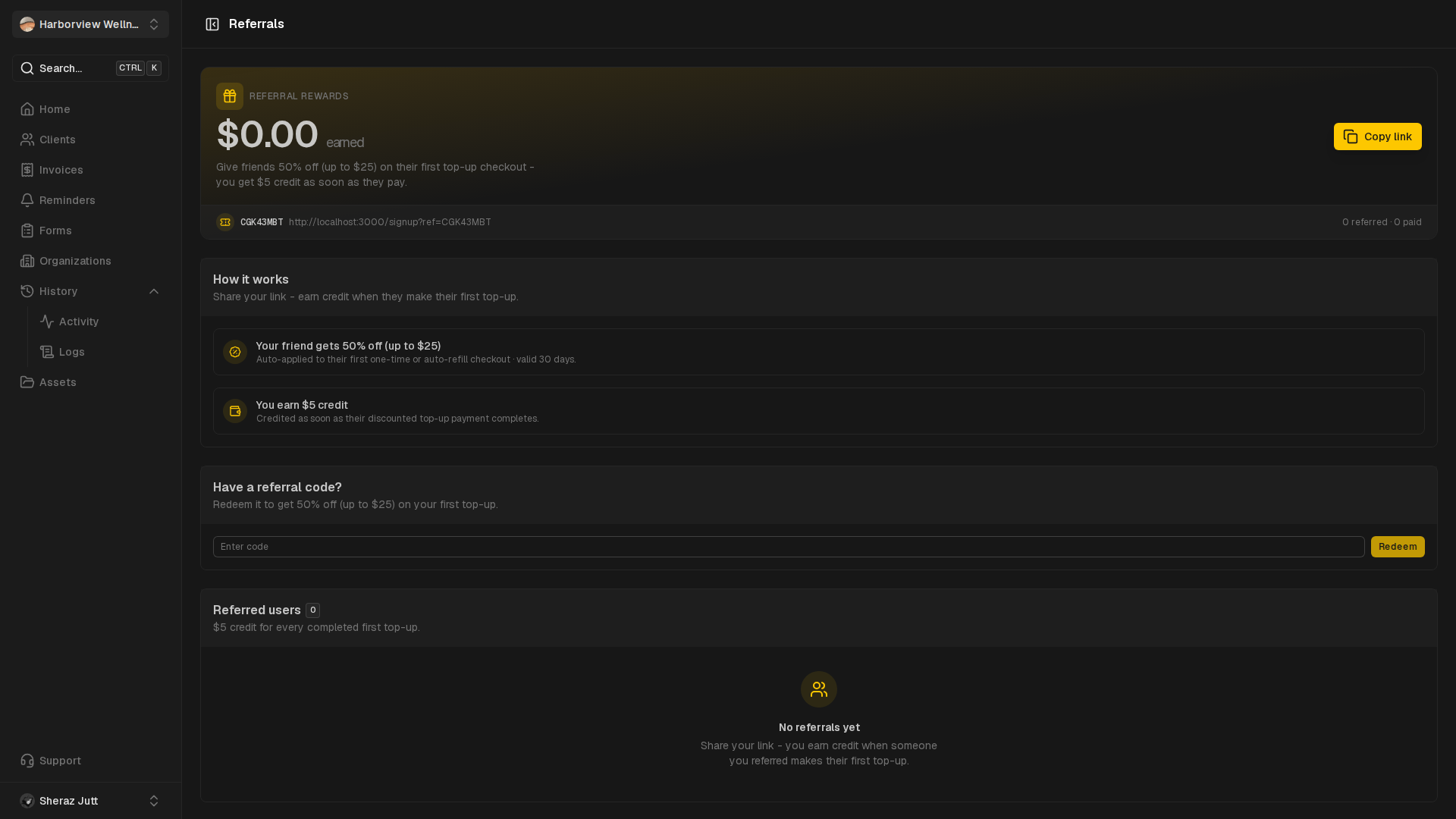
Referrals
See the rewards for referring others to Centralyn.
View guide
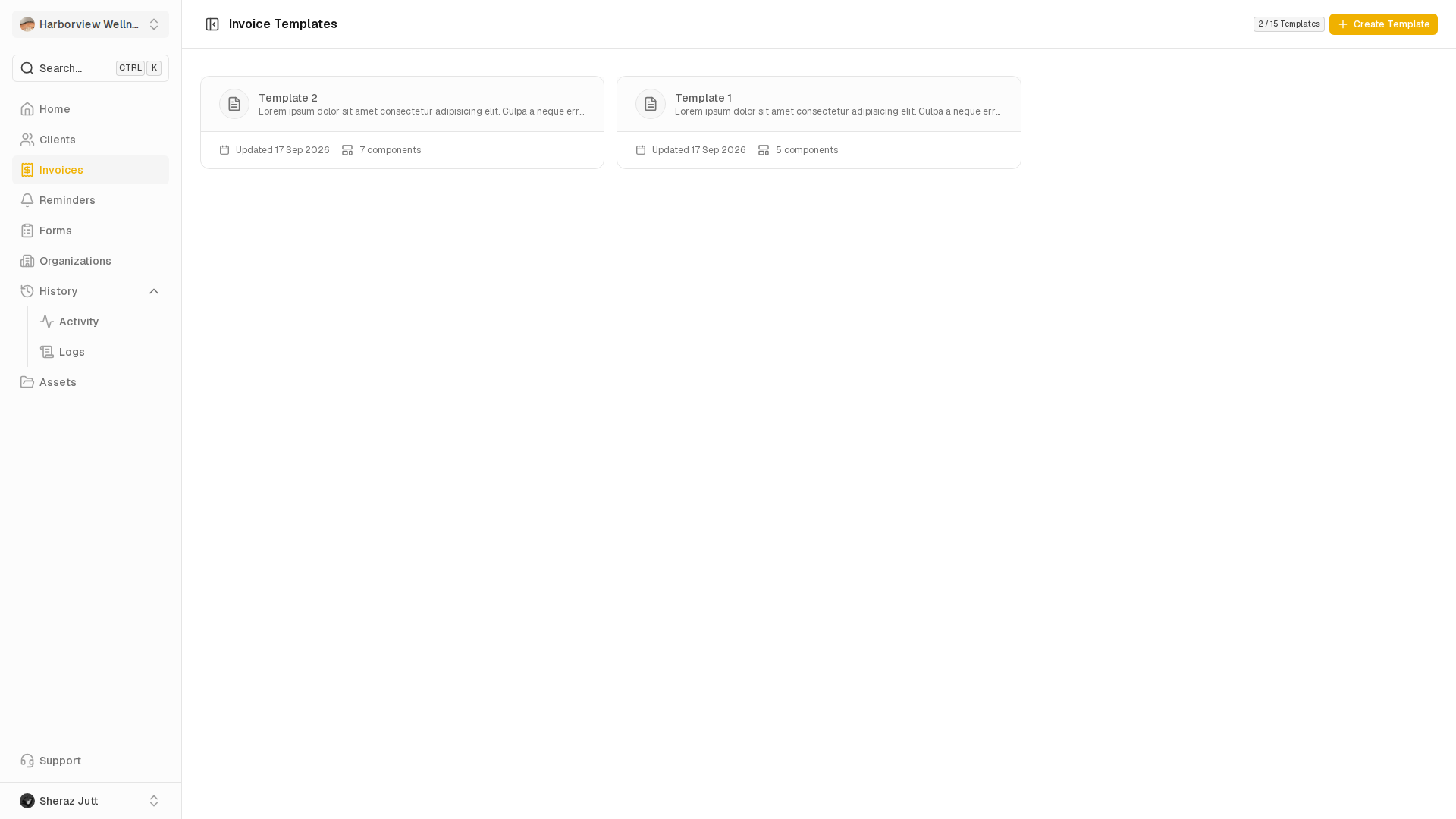
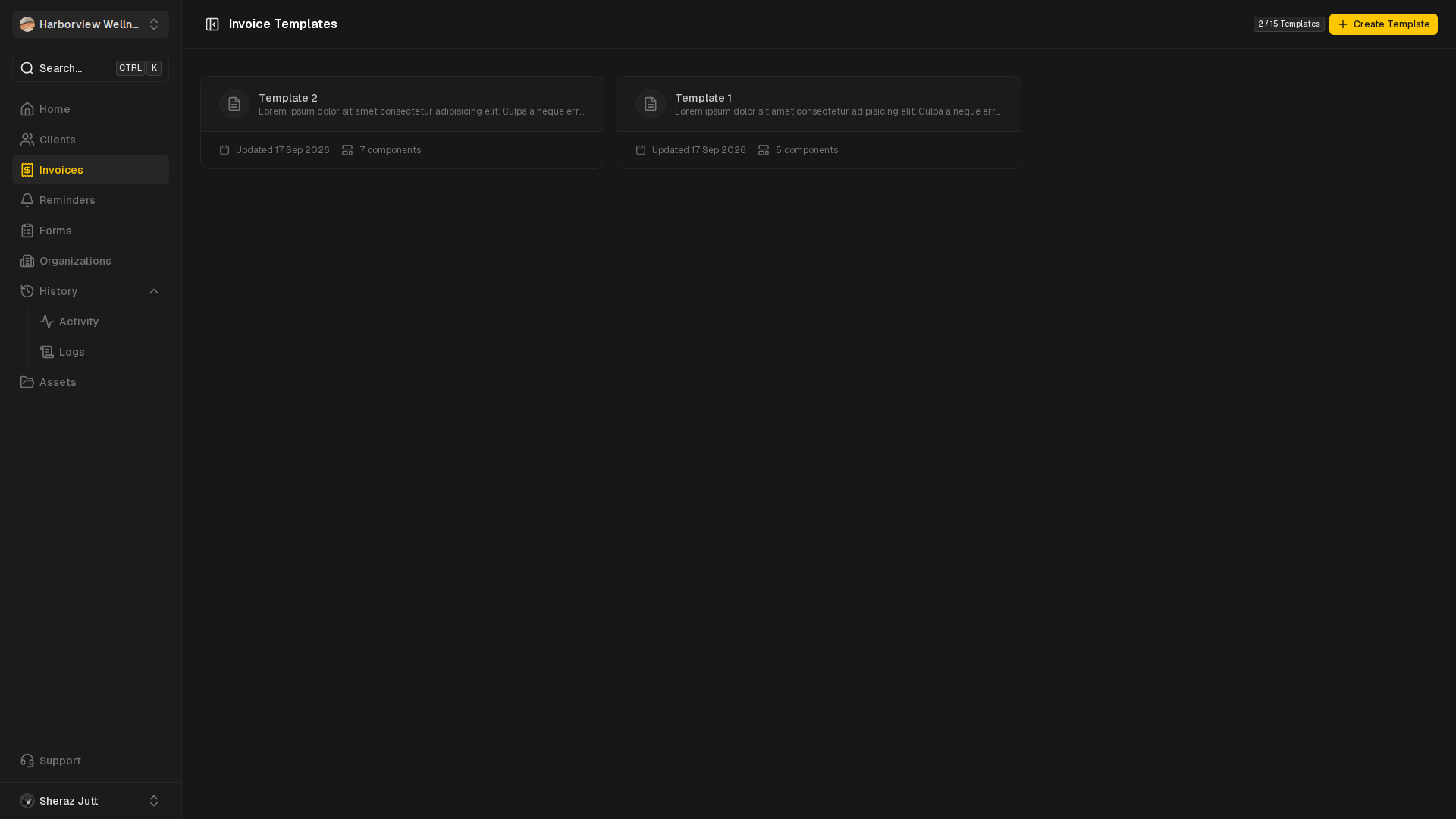
Invoice templates
Reusable invoice layouts with saved components.
View guide
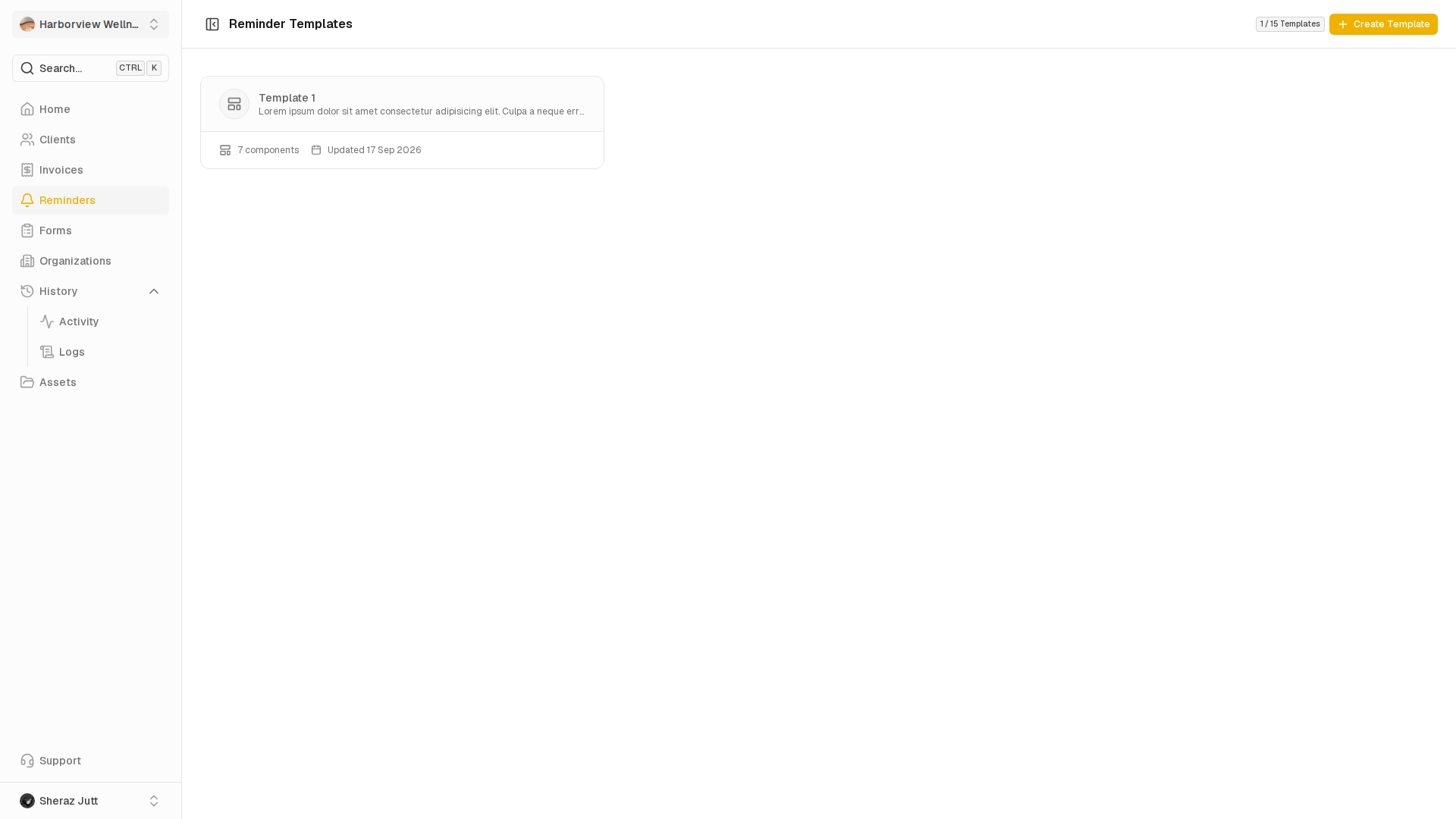
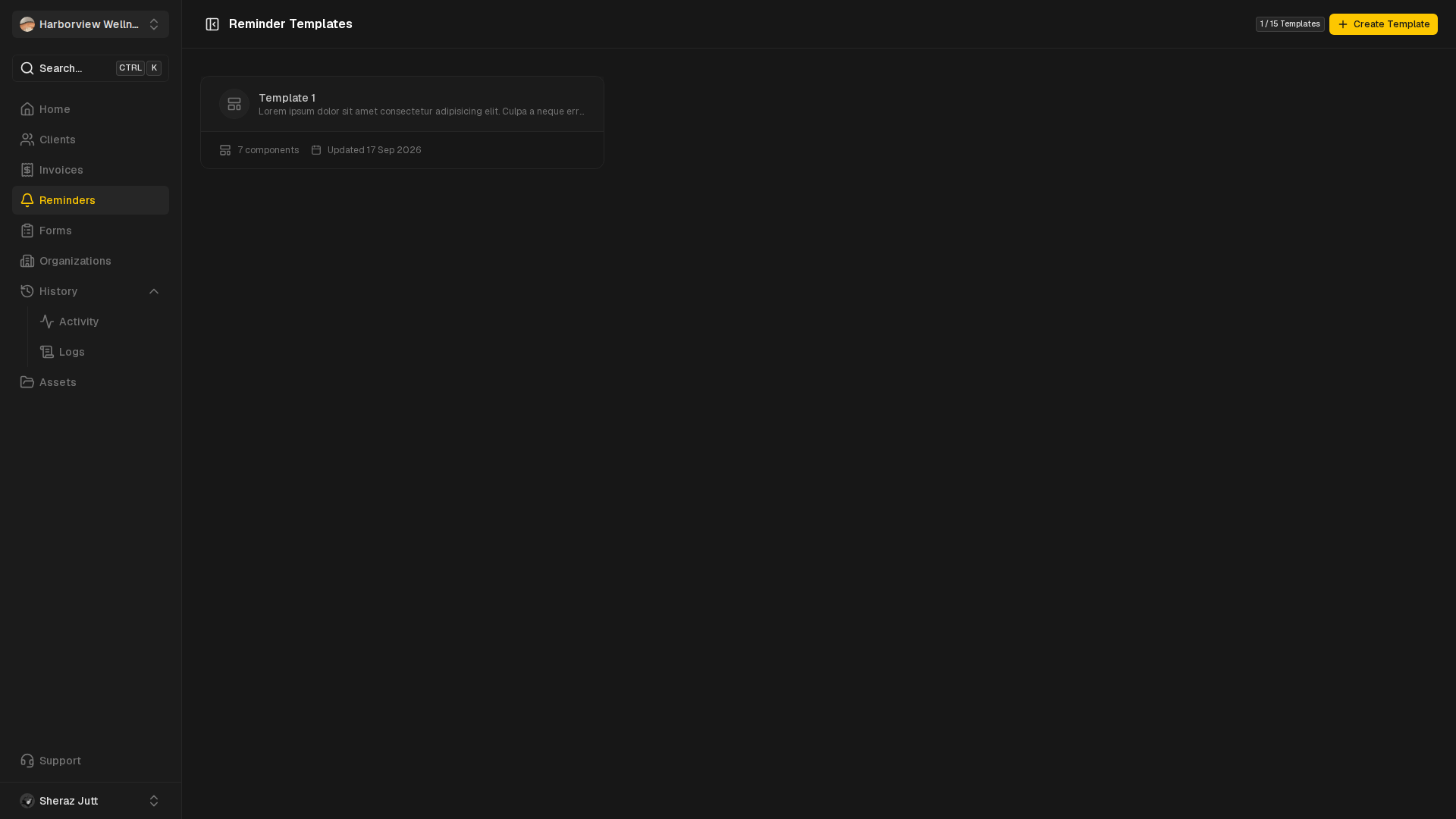
Reminder templates
Reusable reminder templates and premade options.
View guide
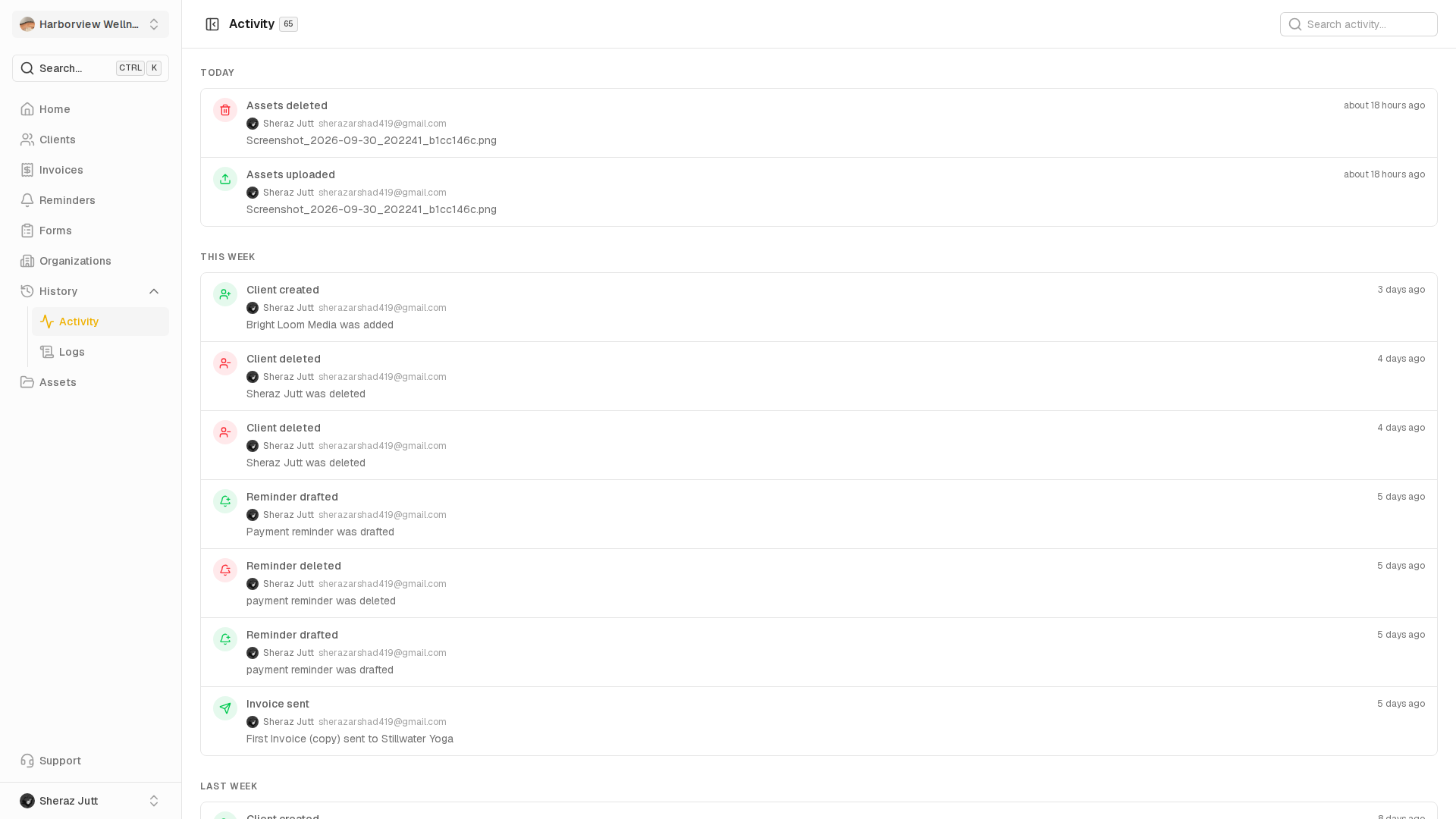
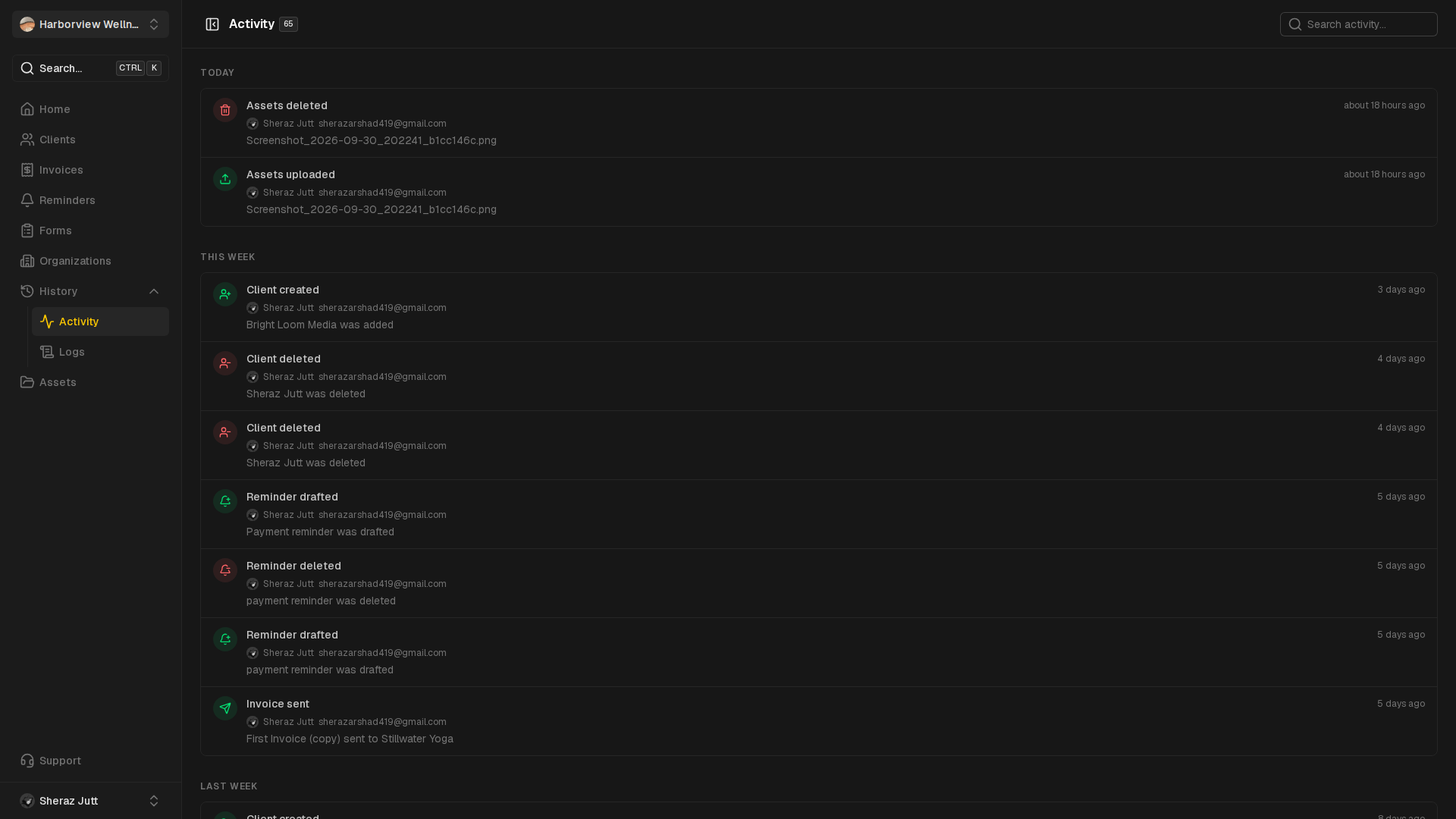
Activity
Follow every change in the workspace activity feed.
View guide
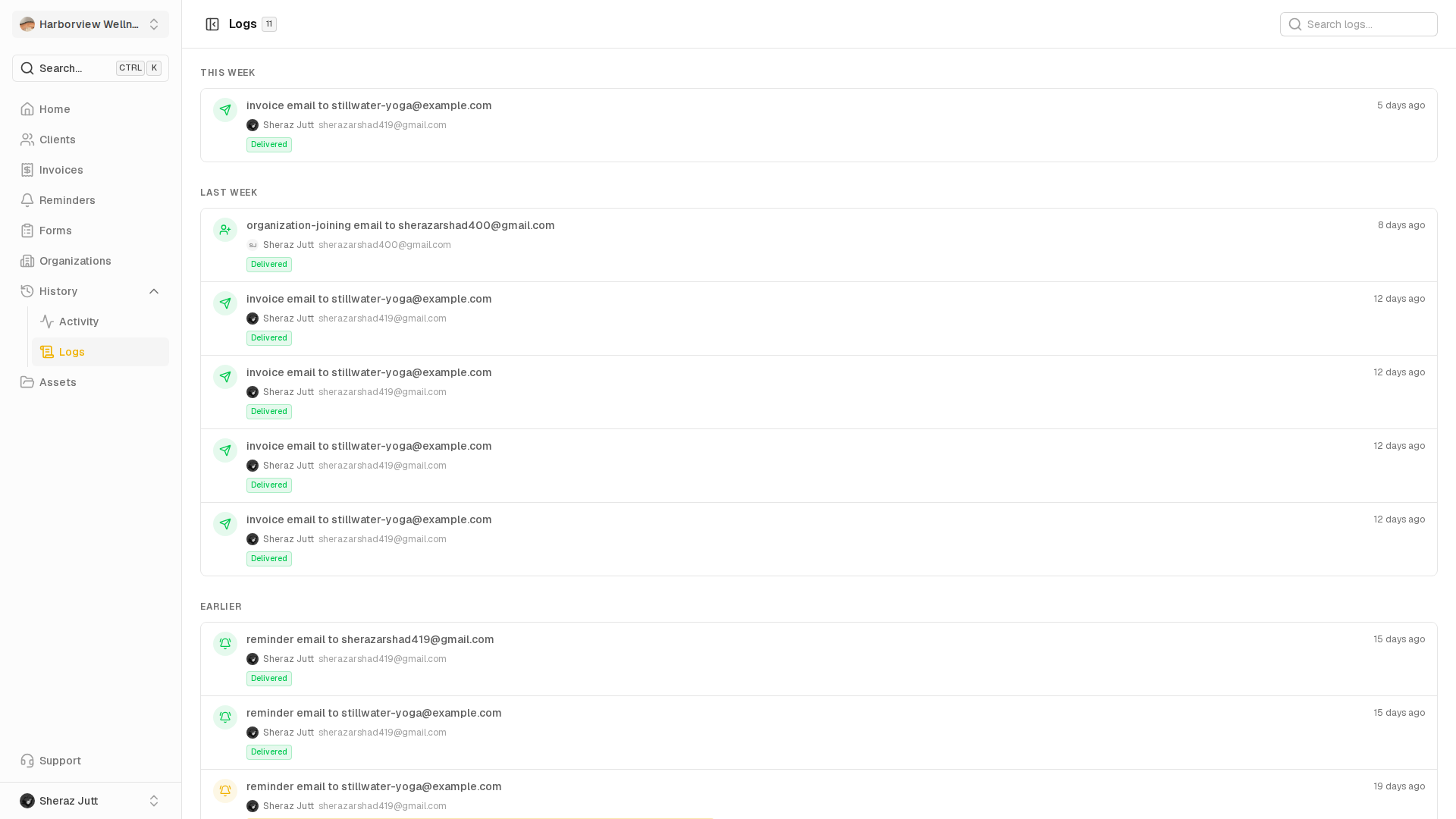
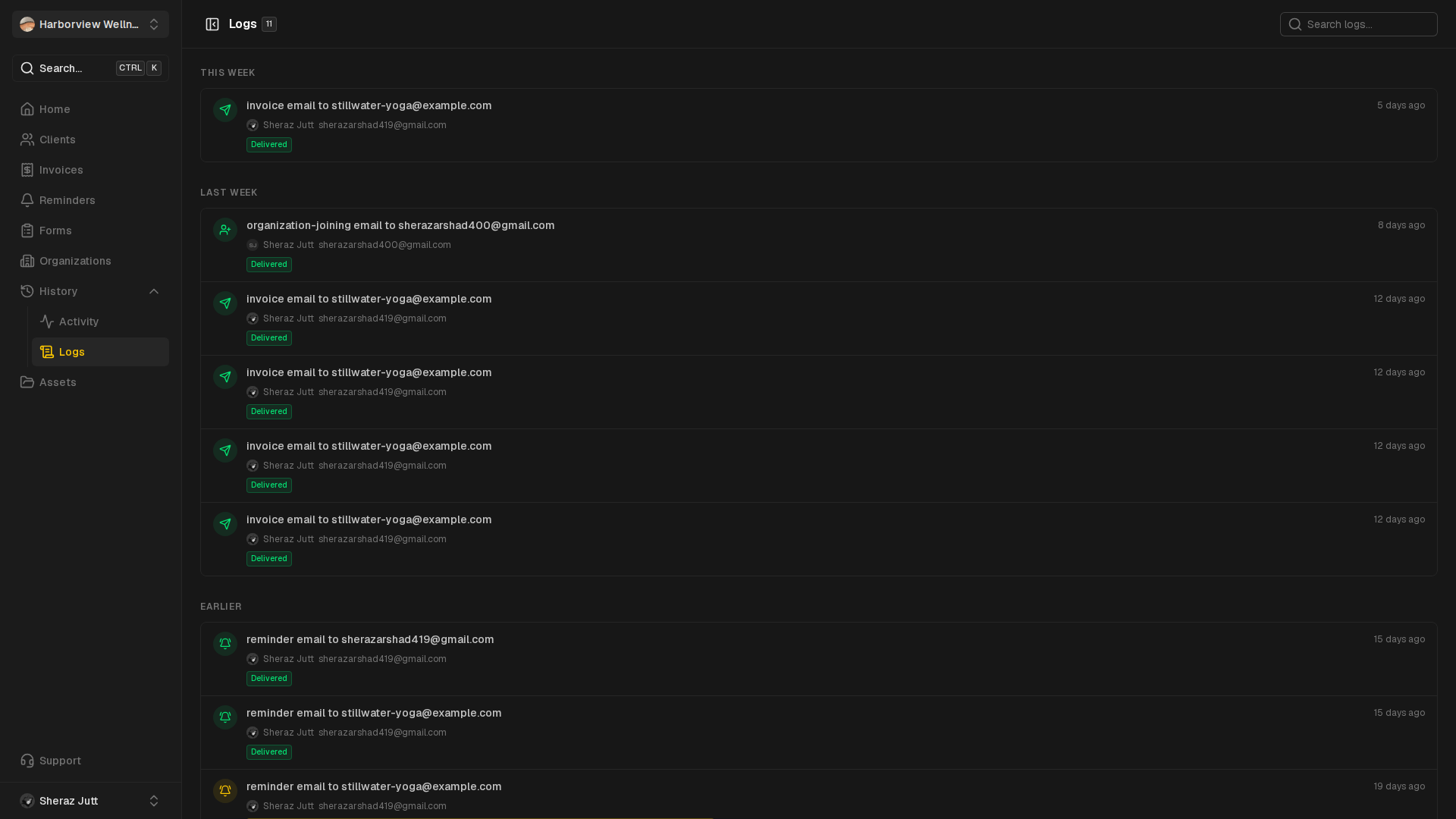
Email history
Review the emails sent from the workspace.
View guide
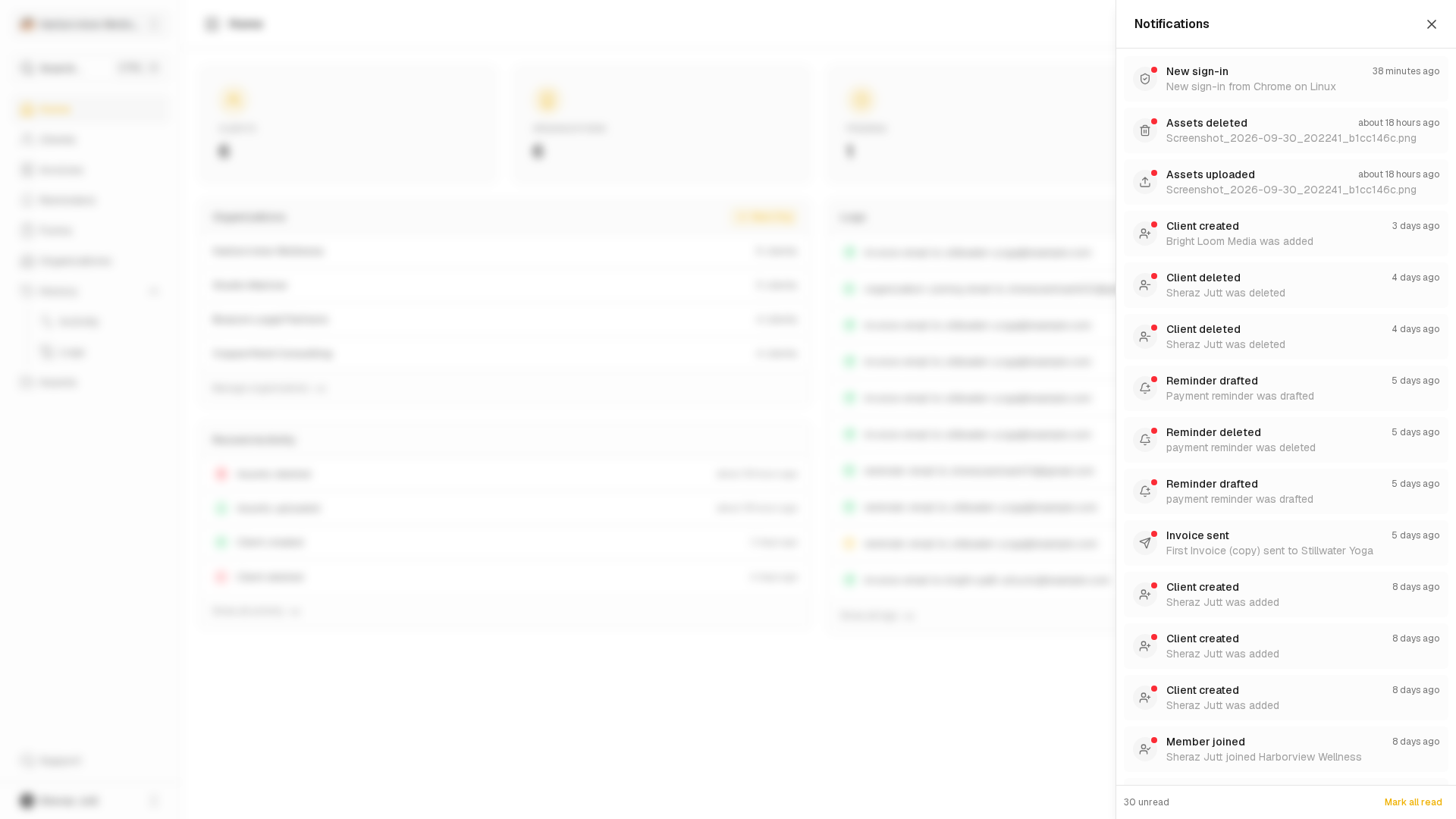
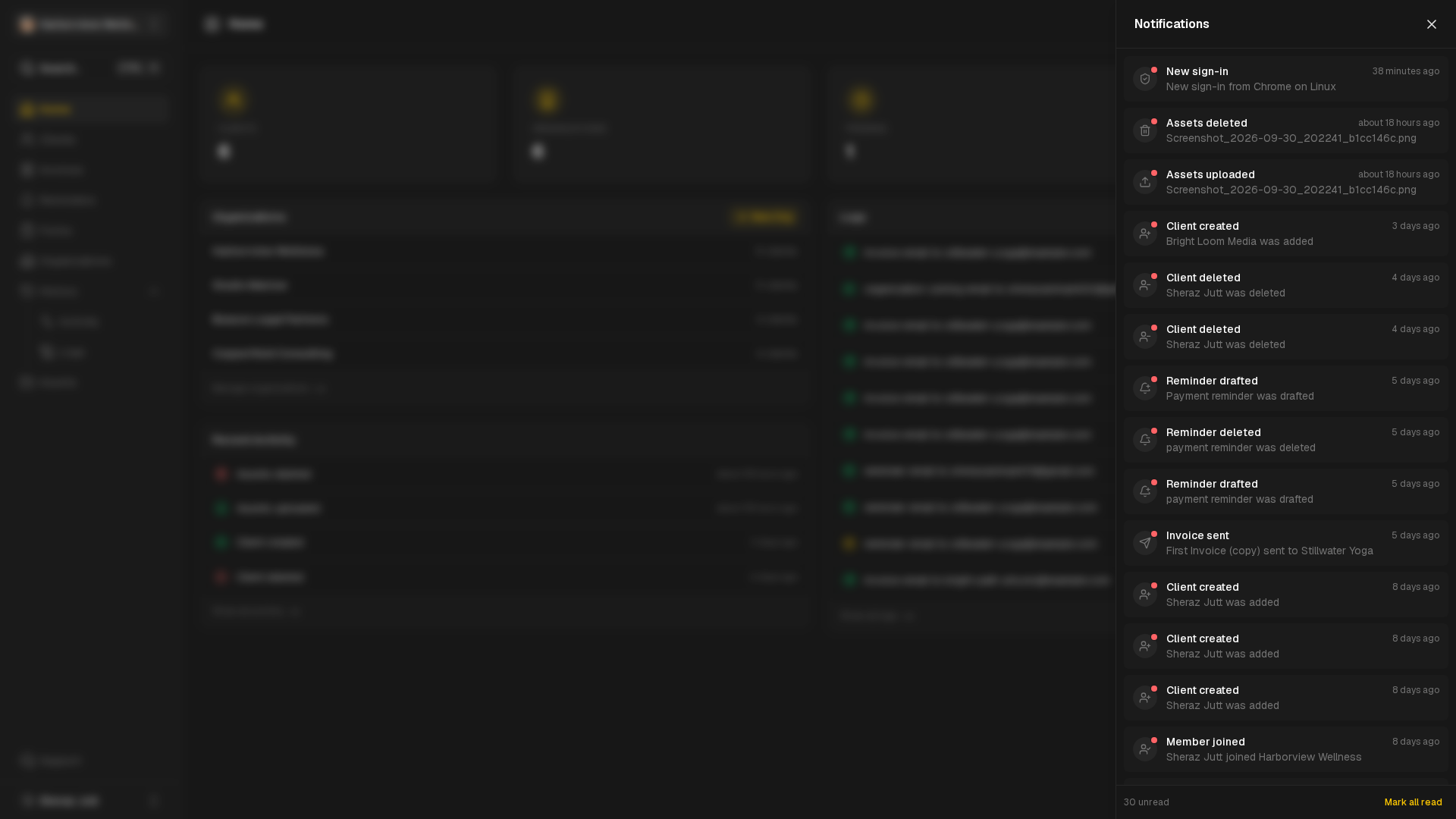
Notifications
Open the notifications panel and catch up on updates.
View guide
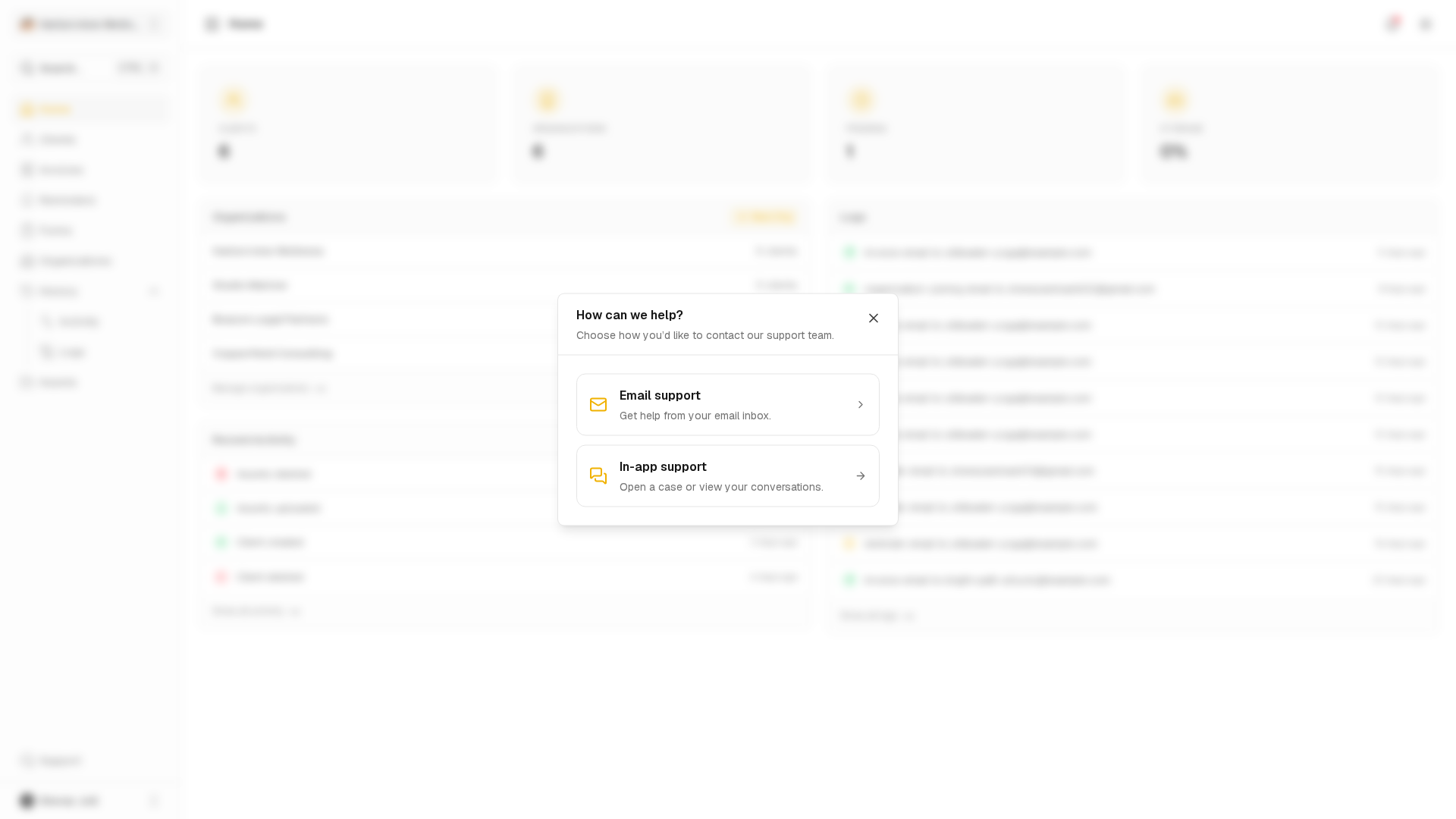
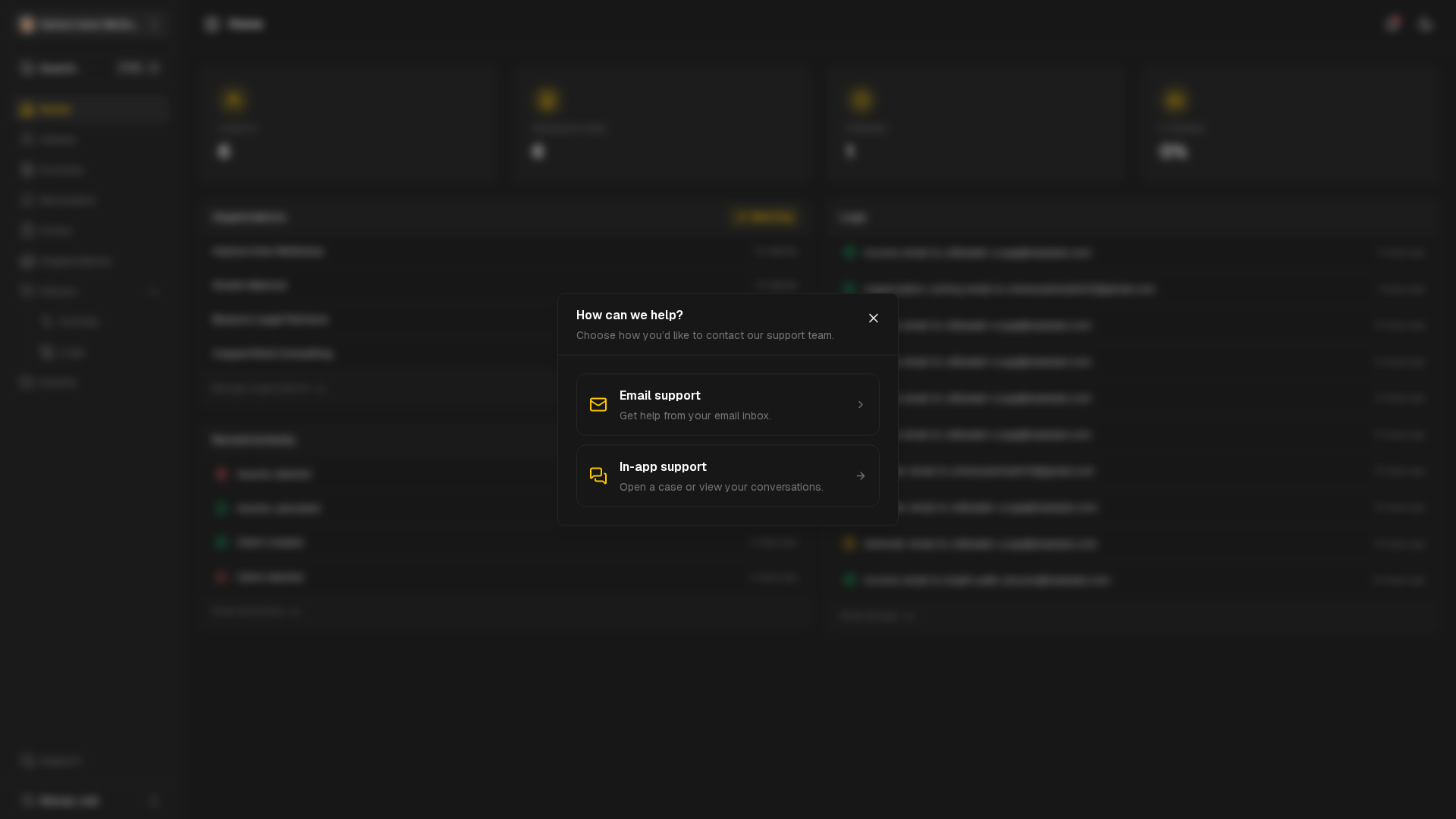
Support
Reach out through contact channels and follow conversations.
View guide
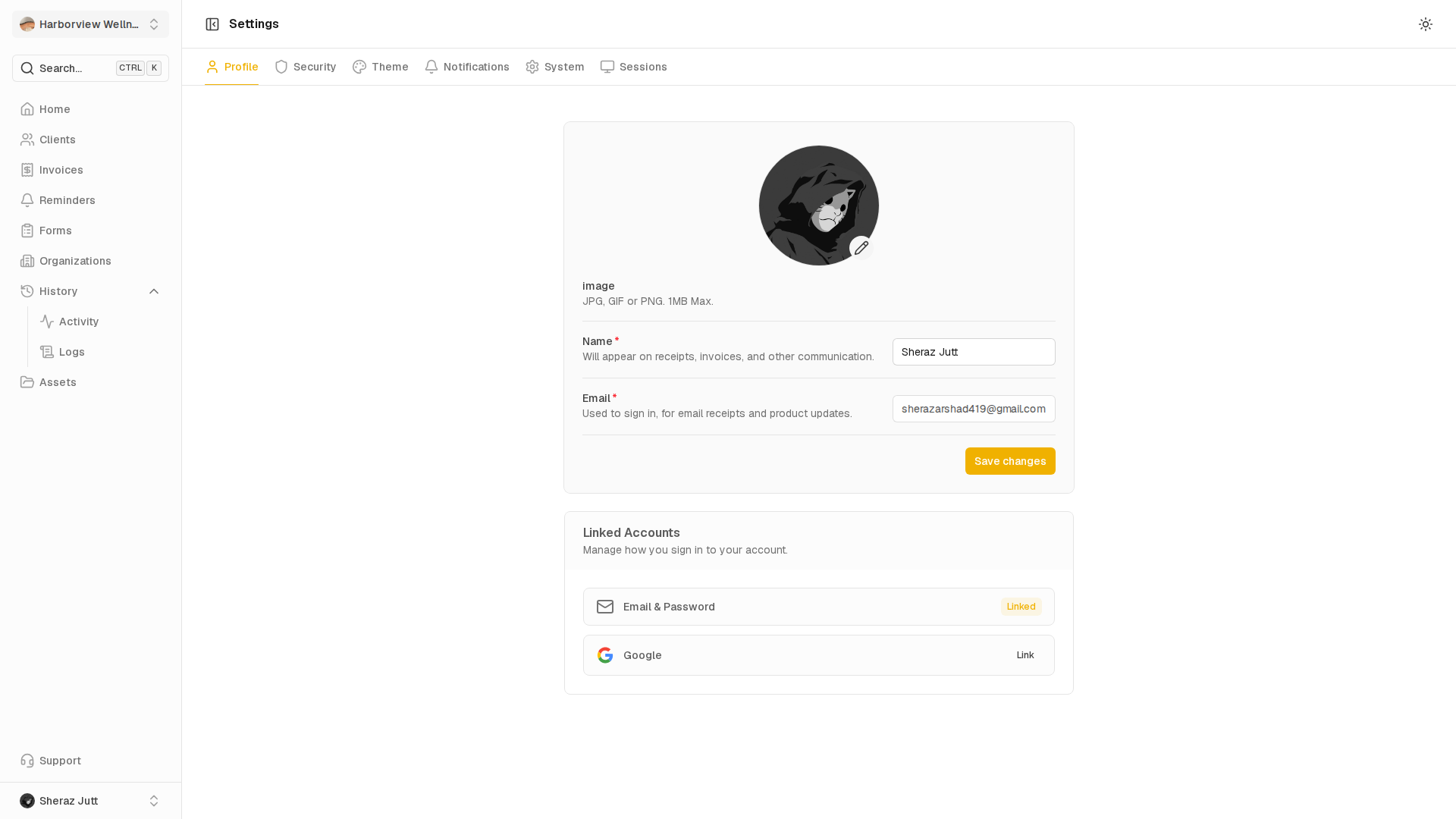
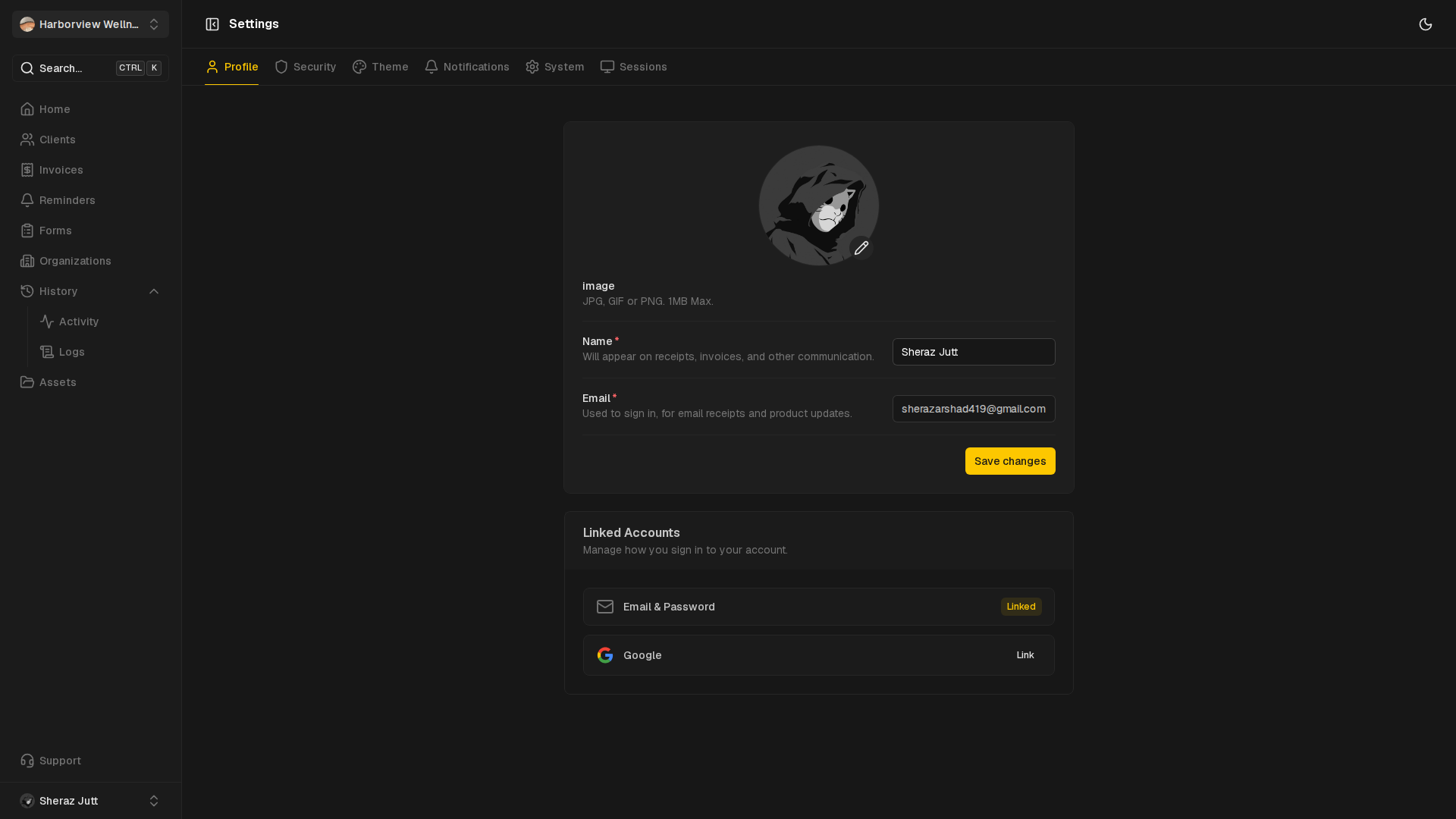
Settings
Manage profile, security, sessions and workspace preferences.
View guide