Reminders
Follow up on time, on the channel your clients read
Schedule email and WhatsApp reminders from the same client workspace. Connect your own WhatsApp number, reuse a template, and keep every follow-up moving without a second tool.
From template to delivered follow-up
- 01
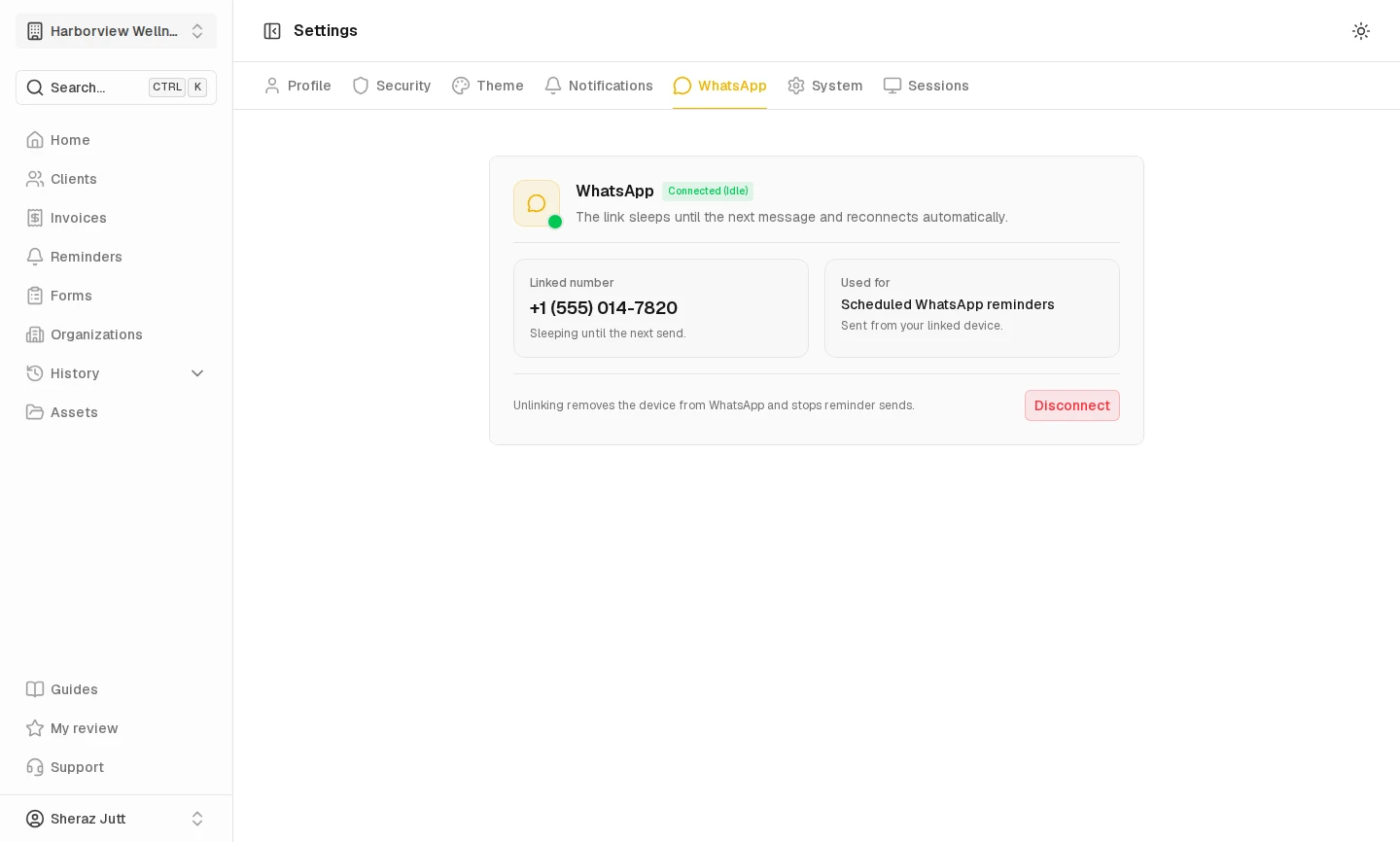
Connect your WhatsApp number in Settings by scanning the QR code from WhatsApp's linked devices.
- 02
Open a client and create a reminder from a template or a blank message.
- 03
Choose email or WhatsApp, pick the date and time, and review the preview before scheduling.
WhatsApp reminders from your own number
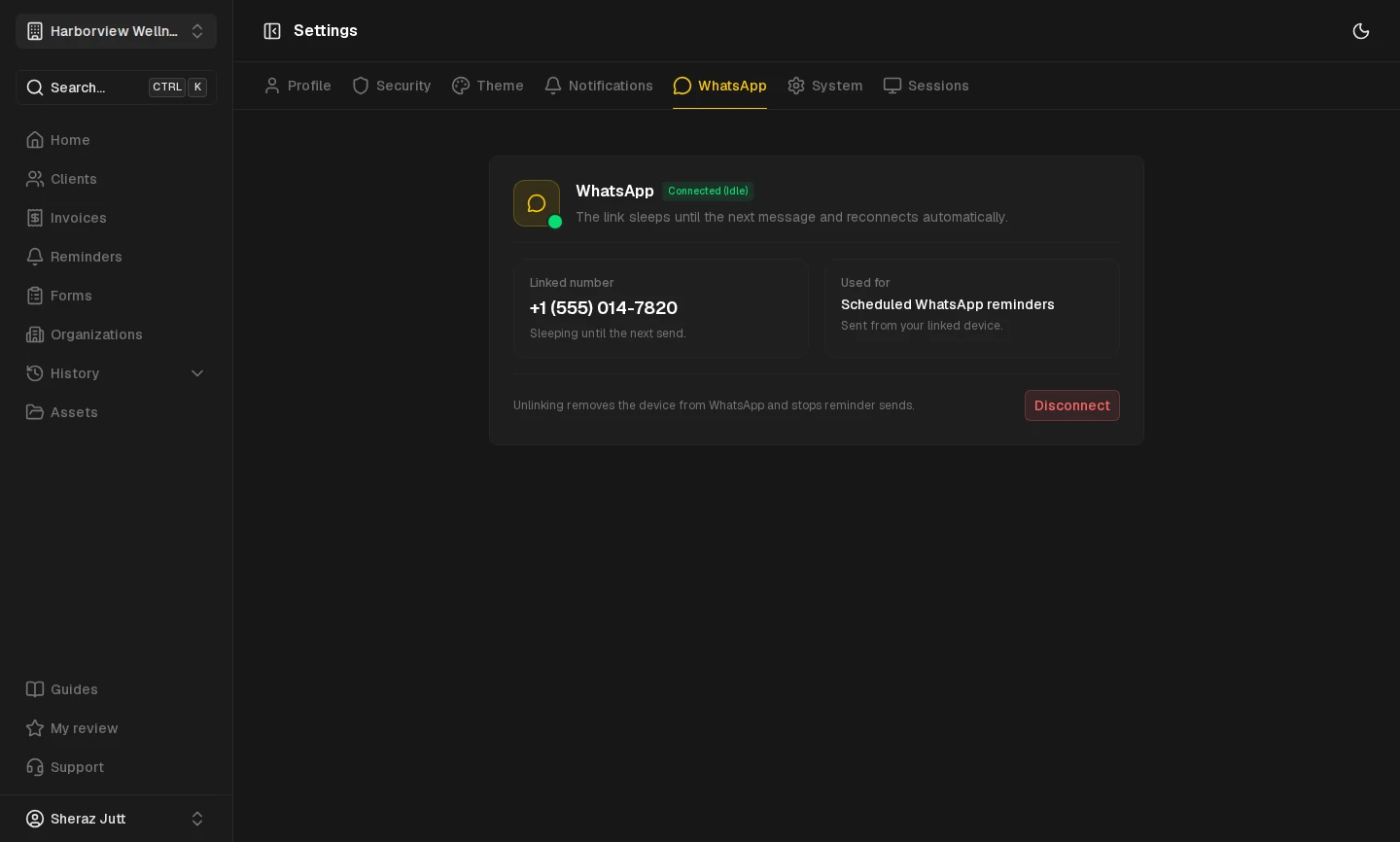
Link a number once and every WhatsApp reminder sends from that device. No separate inbox and no second app to check.
- Connect a number in Settings by scanning a QR code from WhatsApp's linked devices.
- WhatsApp reminders send as plain text, so they arrive as a normal chat message.
- The organization owner holds the linked number, and teammates can schedule reminders that use it.
Email reminders with a delivery record
Use email when that is the better fit, then check what happened to each message.
- Reuse a reminder template and let Centralyn fill in the client and organization details.
- Review the message preview before the reminder is scheduled.
- See whether a reminder is scheduled, sent, or failed, and read the reason when a send does not go through.
Walk through reminders
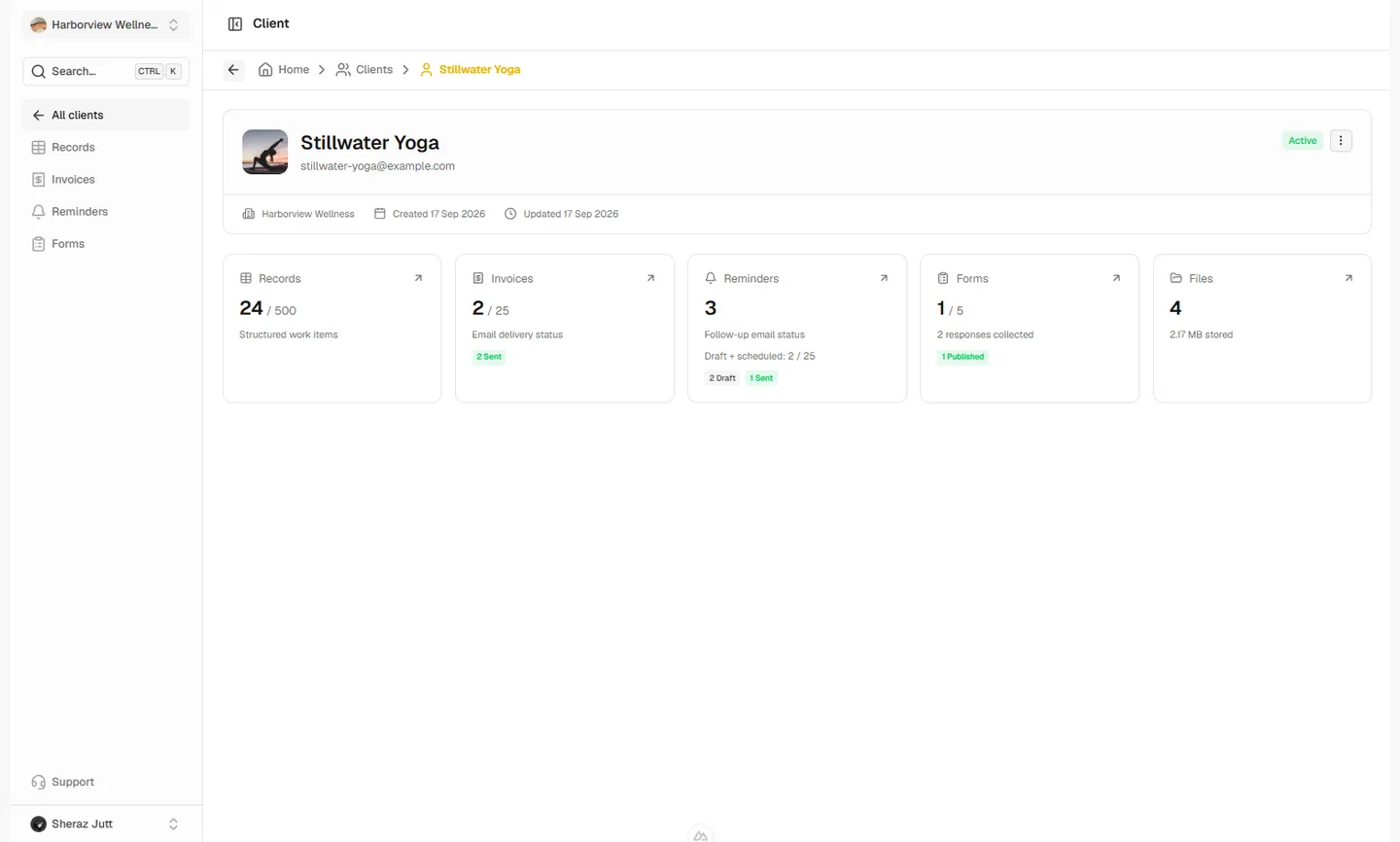
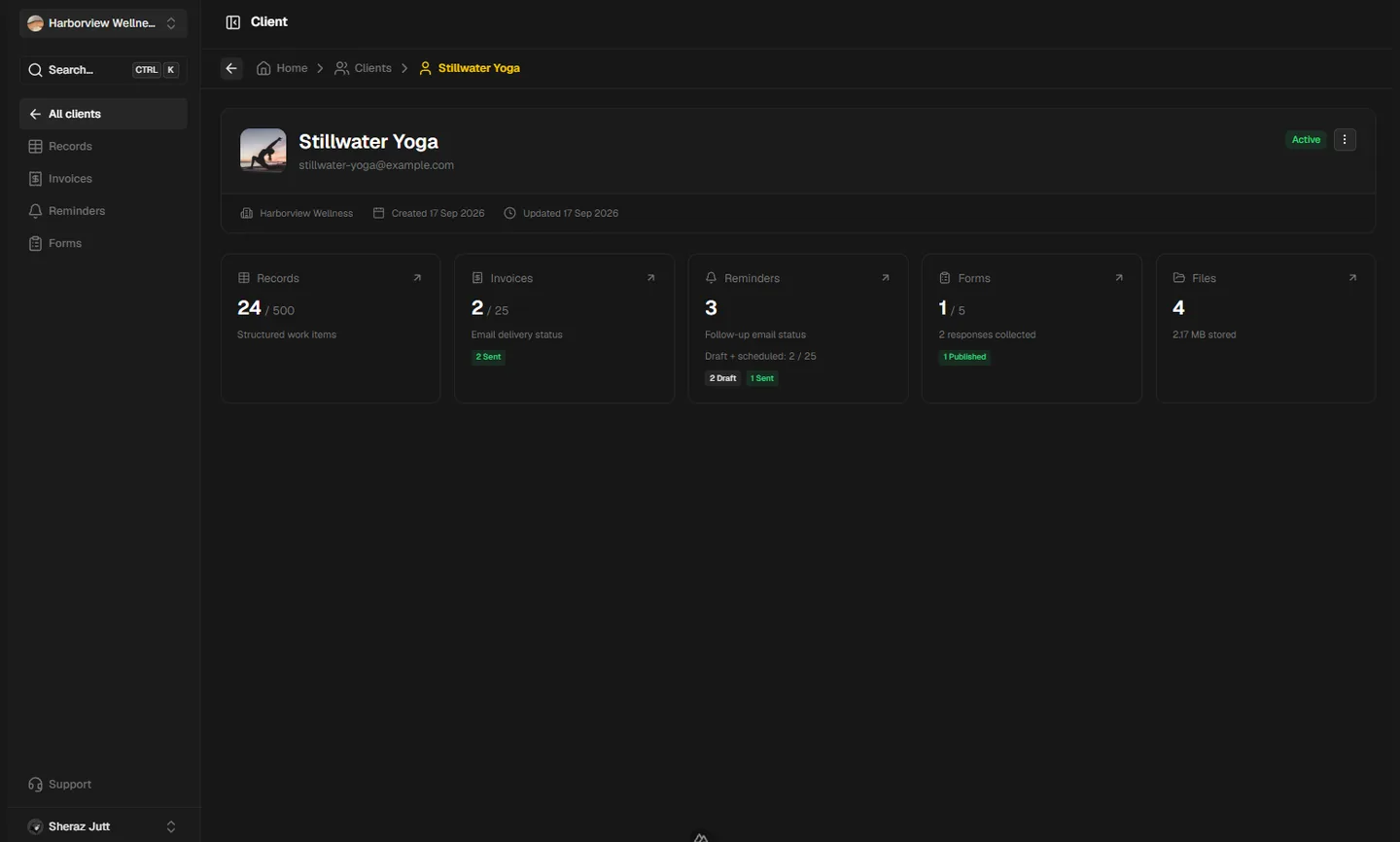
The guides follow the real dashboard screens in light and dark themes, from the reminder list to the message builder.
Reminder questions
Start following up without the spreadsheet
Create a free workspace, add a client, and schedule your first reminder. No credit card required.